
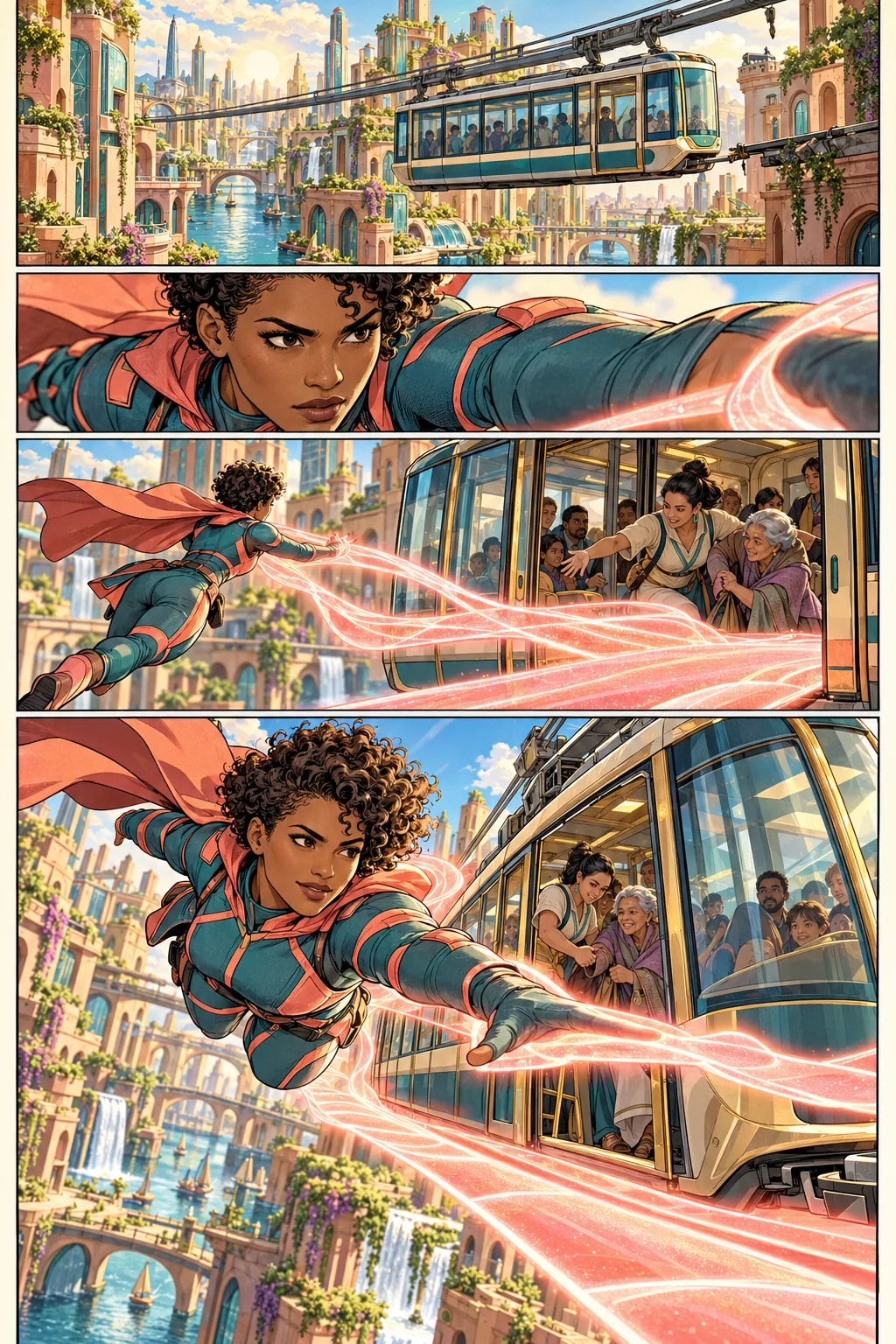
Making your first manga?
Begin with a page, a character and a short scene. Follow the handbook one step at a time.
Make your first pageBring the story in your head onto the page. Sketch, ink, paint and letter your manga or comic in one creative workspace, with tools that keep your own style at the centre.
Coming soon to Google Play. Android APK available now.
Windows and Apple silicon Mac installer previews available.

I’m developing Kathaka—a creative studio for artists and storytellers, now open for public beta.
For the sketchbook dream, the independent series and the stories our languages have yet to tell. Kathaka gives manga and comic creators a place to build the whole story.
Shape a line with pressure, pencils and brushes. Build colour and tone, then refine with Smudge and Smoothify. Your hand decides the look.
Panels, pages, editable balloons and script tools live beside your artwork. Keep the reading flow and the dialogue in the same book.
Use layers, masks and Undo to explore. Save editable project copies and export the work for readers or the next person in your workflow.
Prepare pages for print, comic archives and digital reading. Export PDF, PNG, CBZ, EPUB, webtoon slices or layered PSD from your book.
Lay out the panels, draw the action, add colour and give every character a voice. Four connected workspaces keep your story together as it grows.
Start from a page template or slice panels with the knife. Set gutters in millimetres, link facing pages into spreads and order the panels until the eye travels where the story needs it. Name panels as you go, so “The hero leaps” beats “Panel 4”.
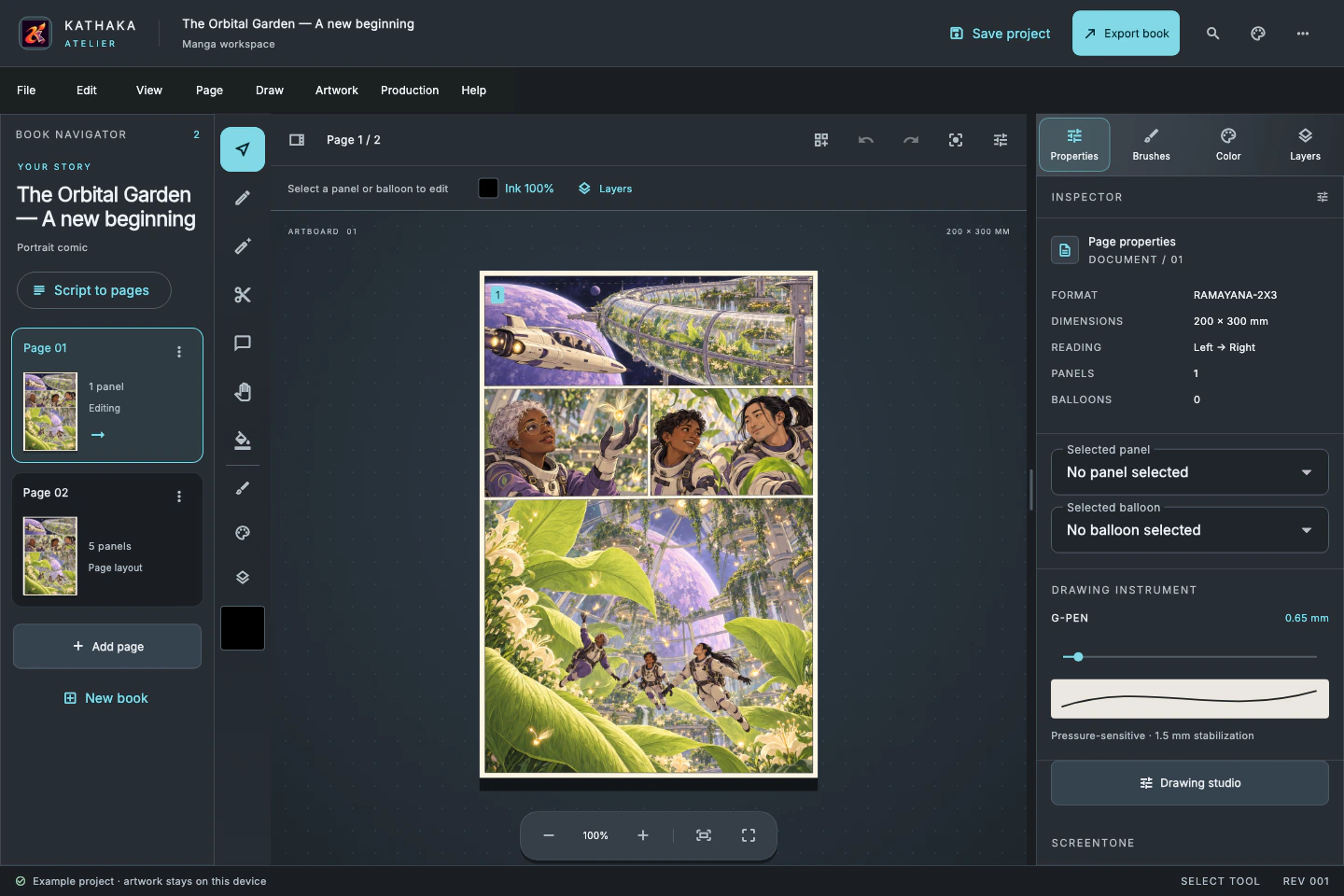 Interface preview with illustrative artwork
Every page in Kathaka Studio moves through the six stages working studios use. Scroll to take this one from the first rough to the finished colour page.
Stage 1 of 6: Name

Meet Kiko, Kathaka’s artist mascot. With a pencil in her paw, she’s ready to bring your next story to life.
Explore Kathaka Studio→Keep dialogue, character references, language editions and page progress close to the artwork. Spend more of your creative session on the story you want to tell.
The chapter script is read straight from the book, in reading order. Edit a line of dialogue in the script and it lands in the balloon; edit the balloon and the script follows. One undo puts it all back.
Set a source language, keep a shared glossary for names and attacks, and approve each language on its own. Swap the pages to any language to check fit before you export.
Every page moves from Name to Done. The cockpit counts what is left, estimates the reading time of the chapter from its panels and words, and draws your deadline burn-down.
Panel descriptions and lettering ship as real text in reading order, with panel regions and accessibility metadata. The guided edition turns each panel into its own screen for phone readers.
Import a PSD into a panel’s layers, export a layered PSD back out, and bring your favourite .abr brushes with you.
The Director workspace turns an outline into scenes, a shot list and a 16:9 storyboard book, then times it into an animatic with camera moves, dialogue and sound.
Plan up to 40 scenes and 128 shots per project. Scene animatics run up to 120 seconds each.
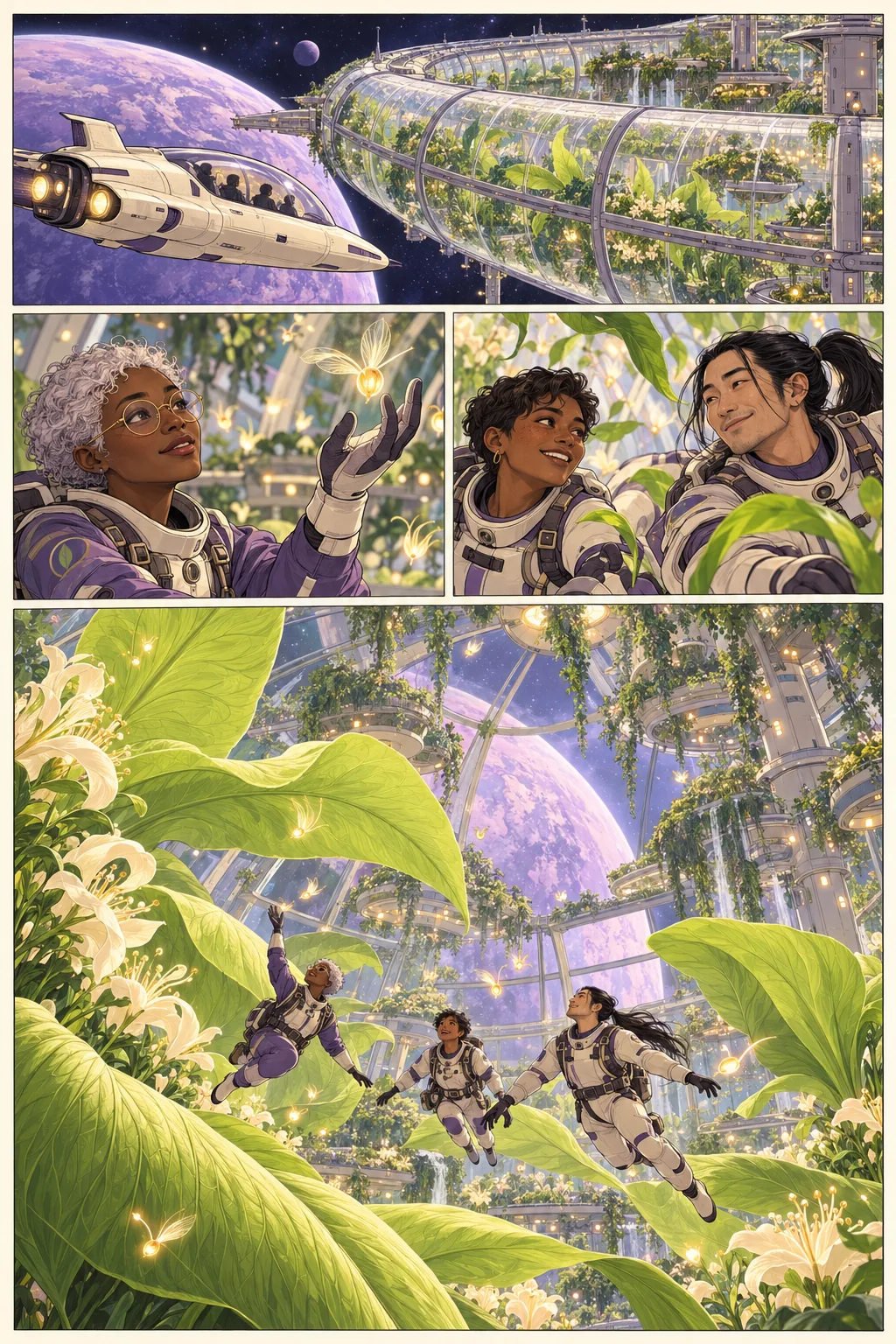 Concept artwork
Kathaka Studio runs on Windows, macOS, Linux and Android. Thumbnail on a tablet on the train, ink at the desk, check the pages on your phone. Pressure-sensitive pens work everywhere, and fingers draw on touch screens until you pick up a stylus.
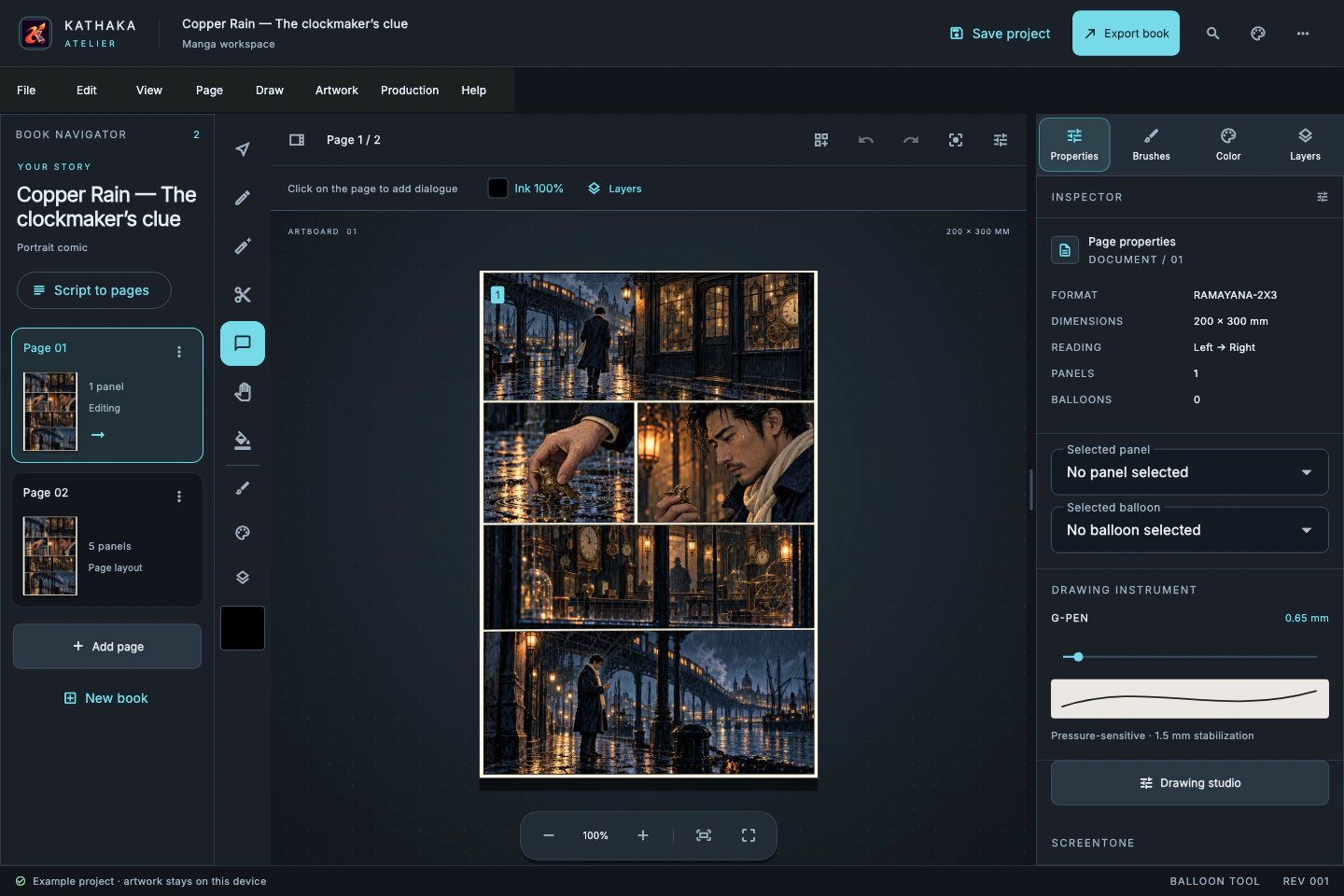
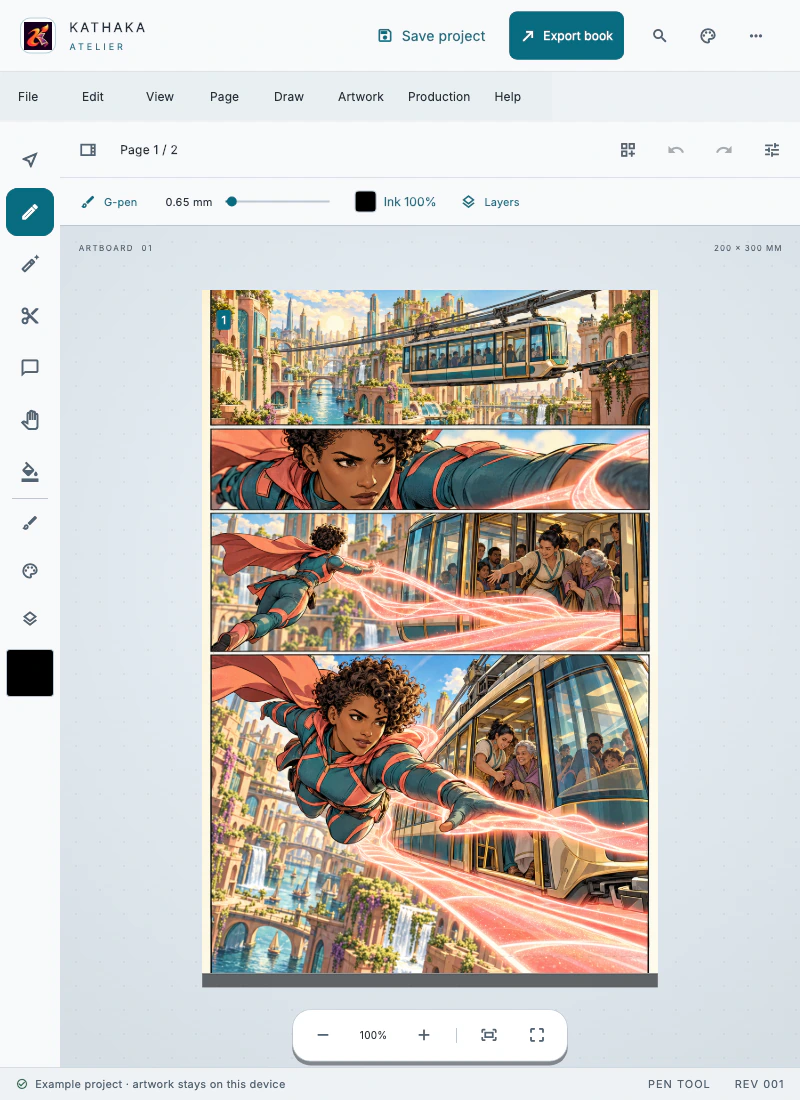
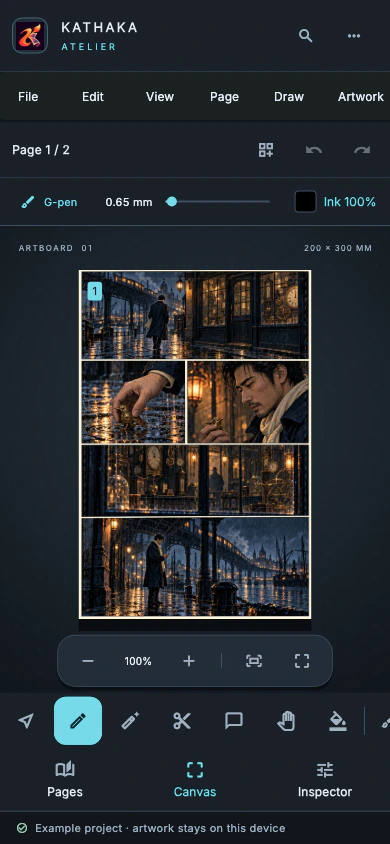
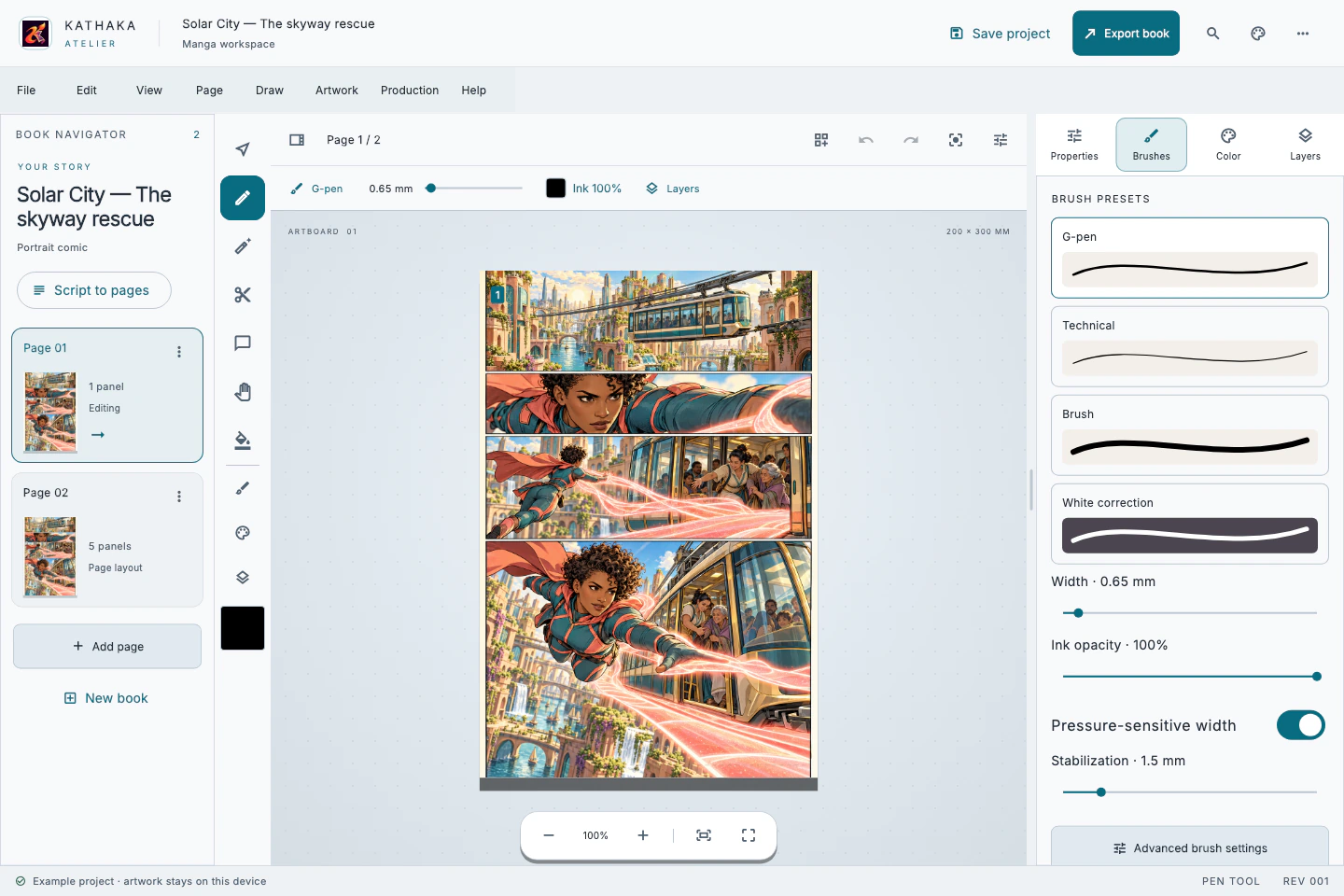
Pick the light that works for you. Switch the website between paper, plum and night palettes.
From neon rooftops to orbital adventures. Explore original superhero concept pages and imagine where your next story could go.

Expressive characters. Cinematic worlds. Stories that move. Explore a collection of ink, colour and sequential art — then start your own in Kathaka.
Explore the artwork →AI-assisted concept artwork
Choose the next step that fits your creative work.
Begin with a page, a character and a short scene. Follow the handbook one step at a time.
Make your first pageKeep the cast, dialogue, page stages and language editions close as your chapters grow.
Explore the full workflowOrganize shared stories and assignments, with page and panel locks for work that needs coordination.
Talk to Kathaka Studio