
Storyboard writing
Organize scenes, shots, dialogue and character references, then carry your story into manga and comic pages.
Sign in to your studio account and create. The current workspace release has no trial licence or device limit. Your company controls access to tools and shared work.
Explore the newest Android creation tools, from editable storyboards to animated artwork and a second view in 3D.
Organize scenes, shots, dialogue and character references, then carry your story into manga and comic pages.
Create and duplicate frames, draw between frames, preview playback and adjust its speed before export.
Preview ink, shading and screentone treatments, tune their strength and apply the result on an editable layer.
AI integration, Listen / voice and gesture controls are work in progress.
Build editable 3D primitives with sculpting brushes, materials and studio lighting. Spin on any axis up to 10,800 virtual RPM, save editable sculpture JSON or export OBJ/STL, and add a rendered image to your page. The flat canvas also has a separate depth-effect preview.
Use 12-, 16- or 24-way symmetry, or vary repeated marks with asymmetric controls for less uniform patterns.
AI integration, Listen / voice and gesture controls are work in progress.
Choose a still frame or animated playback on the canvas, then combine imported art with your drawing.
Add layers beside the rulers, organize their stack and reopen saved workspaces. Android imports process large source photos from disk with a working preview and storage warnings.
AI integration, Listen / voice and gesture controls are work in progress.
Sketch freely, paint with familiar media and organize a studio team. Explore drawing tools, painting media and collaboration features.
Availability varies by platform. Features marked “In development” are not included in the current public installers. Check the download page for each platform’s version.
Start with a blank, panel-free drawing surface or use a manga layout.
Create and edit rectangles, rounded rectangles, ellipses, triangles and vector paths.
Choose 24 graphite grades from 10H to 12B, mechanical nibs, charcoal and colour-pencil variants.
Explore oil, acrylic, gouache, watercolour, ink wash, pastel, markers and textured brushes.
Use hatching, cross-hatching, stippling, contour, gesture and tonal-shading guides with pressure controls.
Capture or import a photo, preview local ink and screentone treatments, then add it to a page or panel.
Each company is a separate tenant. Manage its users, teams, processes, stories and page assignments.
Artists work on separate panels. Acquiring or releasing a shared editing lock requires server confirmation.
Control read/write access and app features for users and teams through company policies.
Use your credentials on multiple devices. Private drawing continues after a connection drops; shared changes need the server.
Access Shapes, measuring rulers, straight-edge drawing, erasers and settings feedback across responsive workspaces.
Sketch on a separate silhouette-masked layer. Edit the outline or add an extension layer outside the boundary.
Live pen taper, contact endpoints and rotated-edge input have been updated to reduce changes when you lift the pen.
Inking is where a page gets its weight. Kathaka Studio was tuned around the pen first: a fast hatch line comes out as fast as you drew it, tapers where you lifted, and stays editable afterwards.
Screentones carry light, mood and depth on a black-and-white page. Kathaka Studio treats them as print material, not as a filter: you see dots at the size they will print, and the export keeps them crisp.
Japanese manga is lettered top to bottom, right to left, with reading aids above hard kanji. Kathaka Studio sets real vertical text in real balloons, so editors can still change a line at the final proof.
Webtoons read by scrolling, so pacing lives in the space between panels. Kathaka Studio stacks your pages into one vertical strip, then cuts it into platform-ready slices at the gutters.
A comic should reach every reader. Kathaka Studio exports EPUB 3 where a screen reader announces each panel and every balloon in reading order, and a guided edition shows one panel at a time on a phone.
Animators and directors think in shots. The Director workspace turns an outline into scenes, a shot list and a 16:9 storyboard book, then times it into an animatic with camera moves, dialogue and sound.
Printers reject files for small reasons: no bleed, rich black in the lettering, low resolution. Kathaka Studio checks all of it in preflight, then writes the files a press expects.
Built around the pen. The stabiliser, the curve and the preview were tuned so a fast hatch line comes out as fast as you drew it.
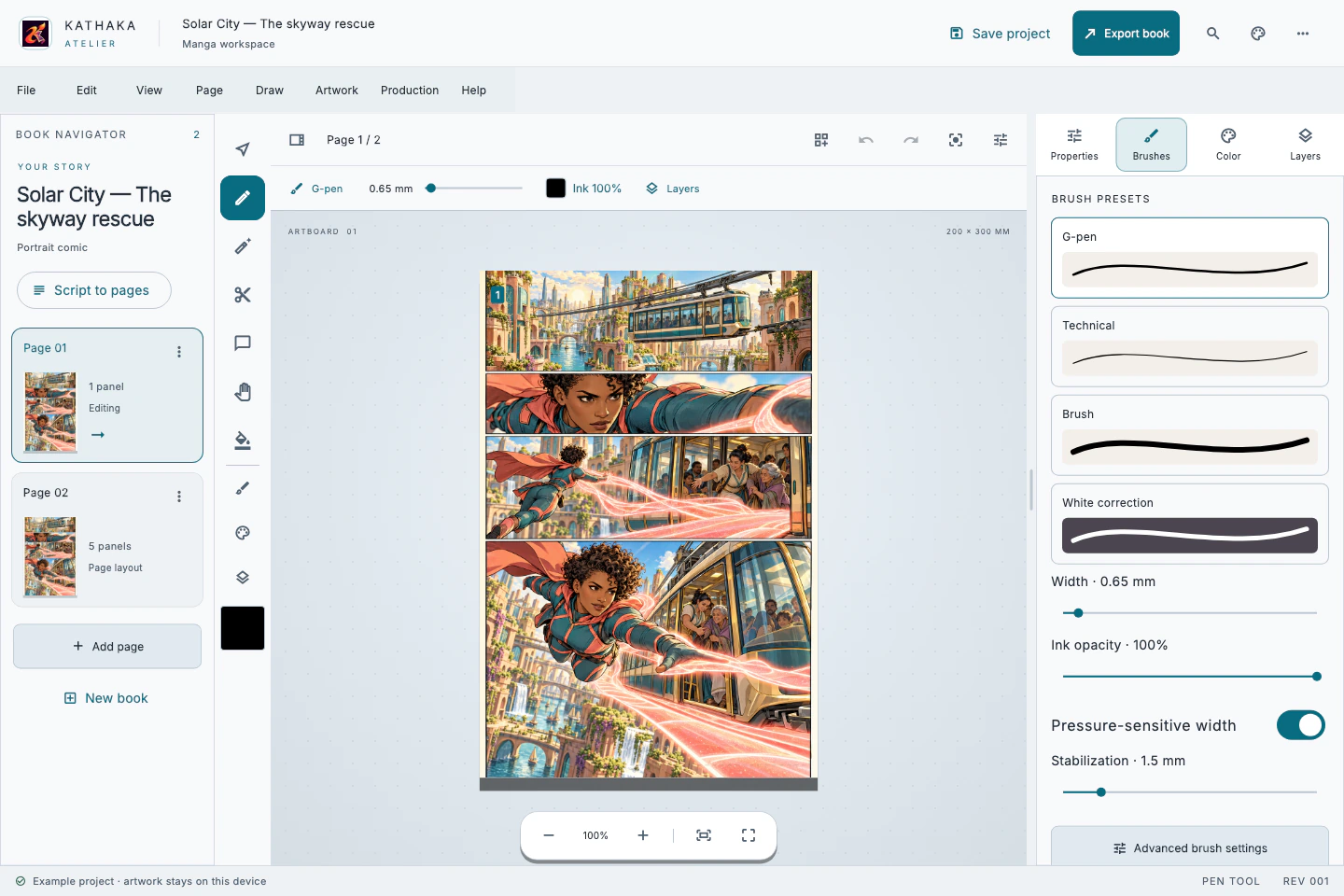
A raster paint engine that behaves like material, not like a filter.
Everything you expect from a professional layer stack, built for pages and panels.
Composition is where a page lives or dies, so it gets its own room.
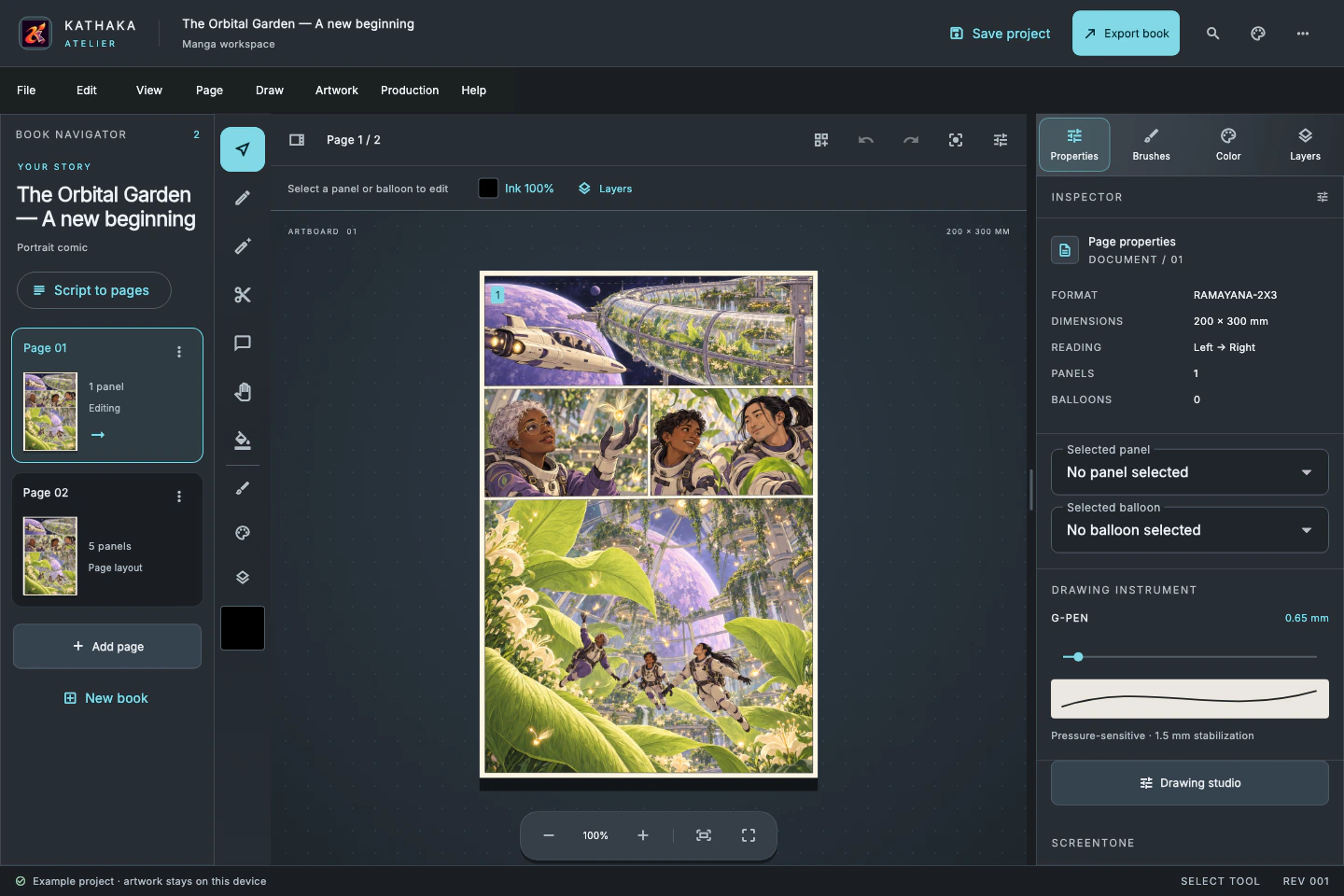
Text stays text, from first draft to final export, in every language.
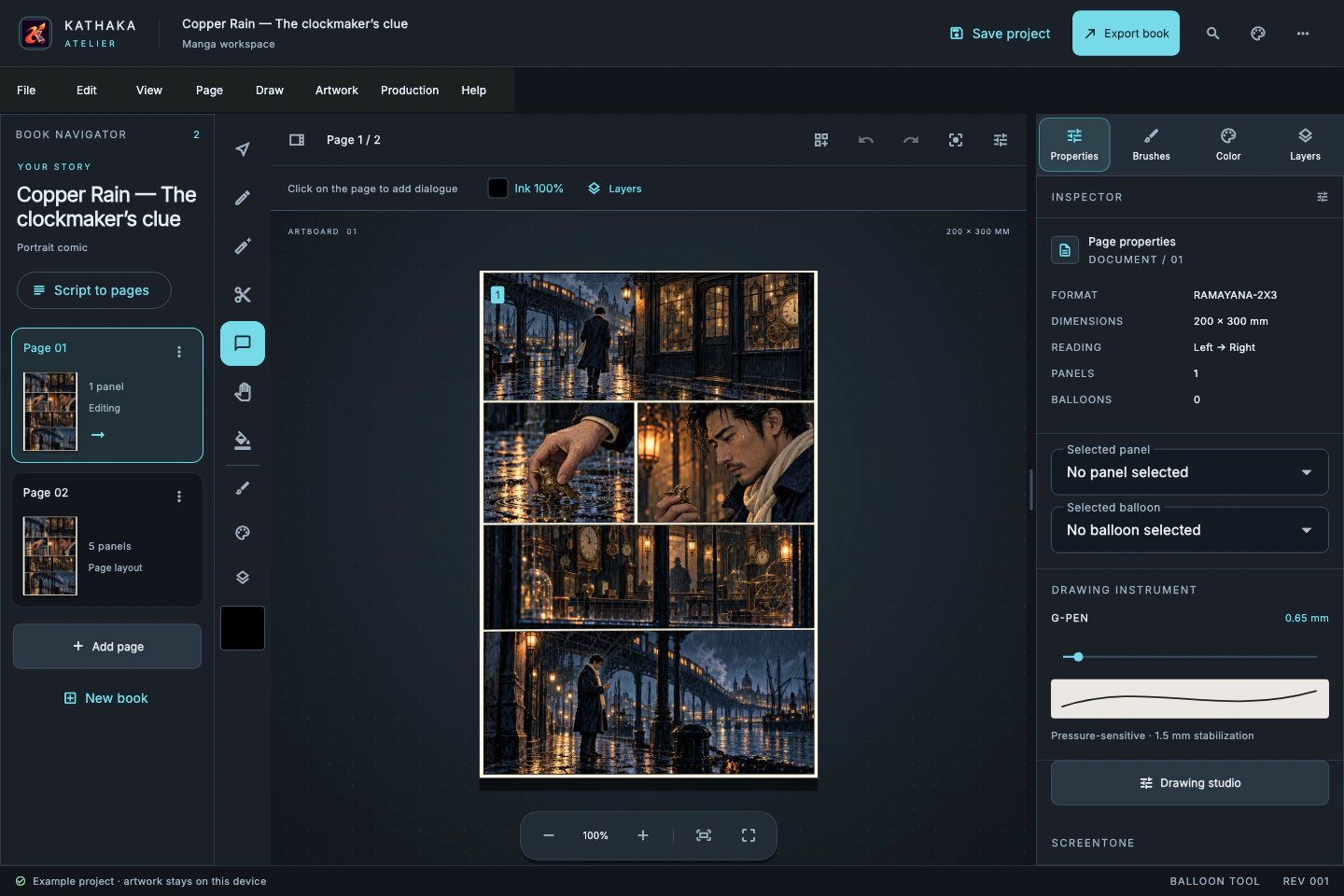
Your script is a live view of your book, not a separate document to keep in step.
Built with translators and letterers, for books that ship in many languages.
For weekly and monthly schedules, so the deadline never sneaks up on you.
One book, every destination, with checks before anything leaves.
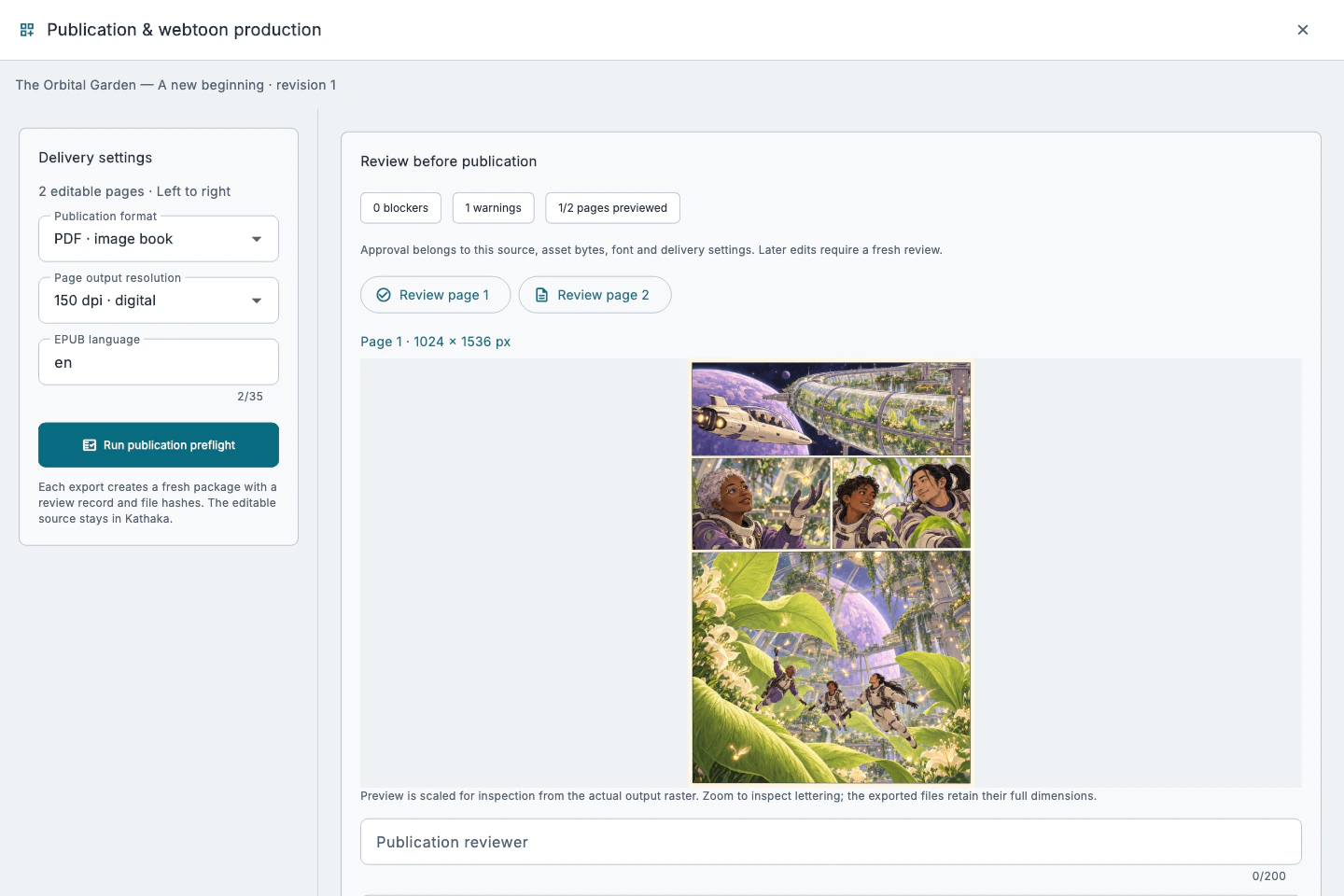
For animators and storyboard artists who think in shots.
A calm studio that gets out of the way, on a desk, a tablet or a phone.
Sign in online at startup. Private drawing continues if the connection drops; company changes, shared edits and lock operations require the server.