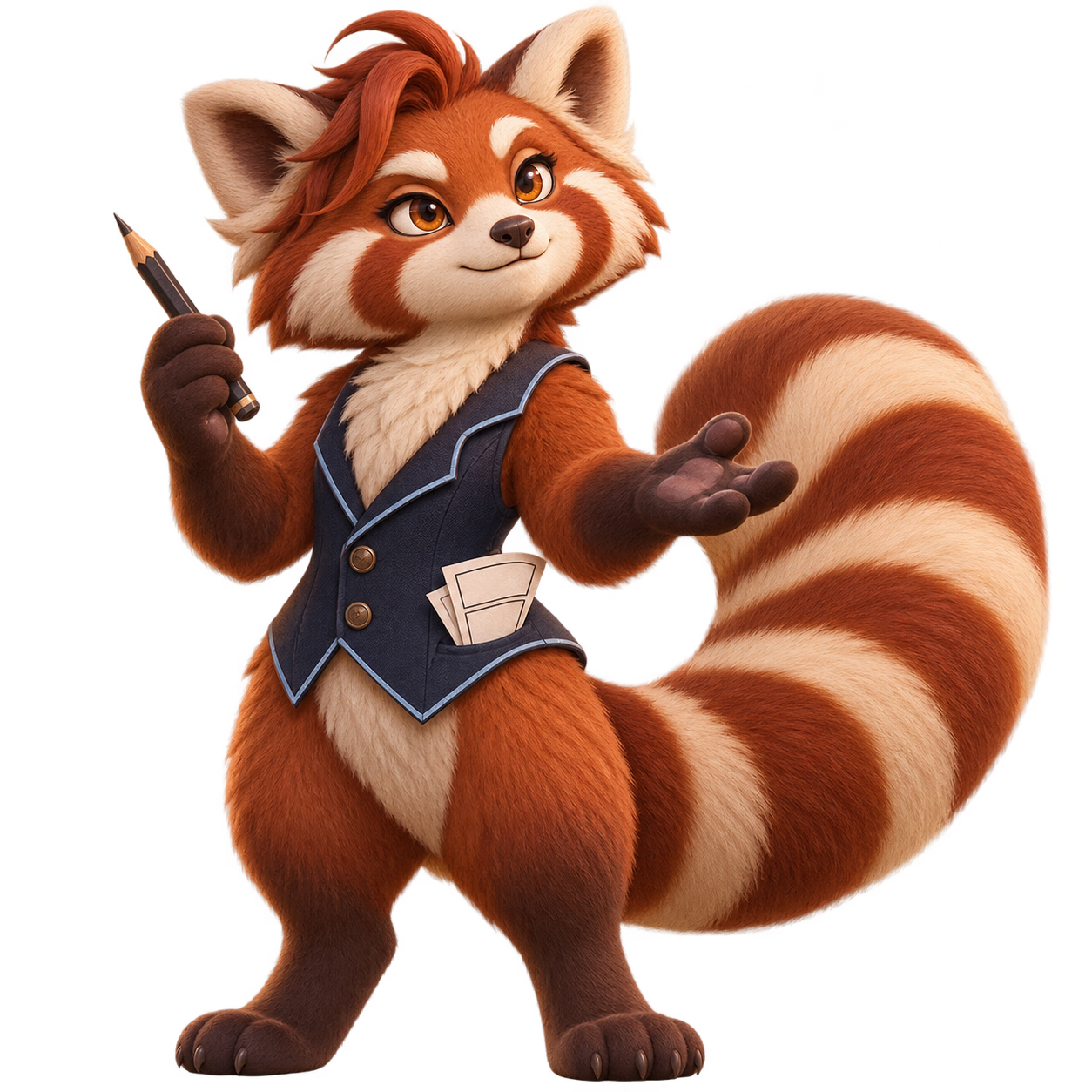
Give your imagination a world.
Expressive characters. Cinematic worlds. Stories that move. Explore a collection of ink, colour and sequential art — then start your own in Kathaka.
Explore the artwork ↓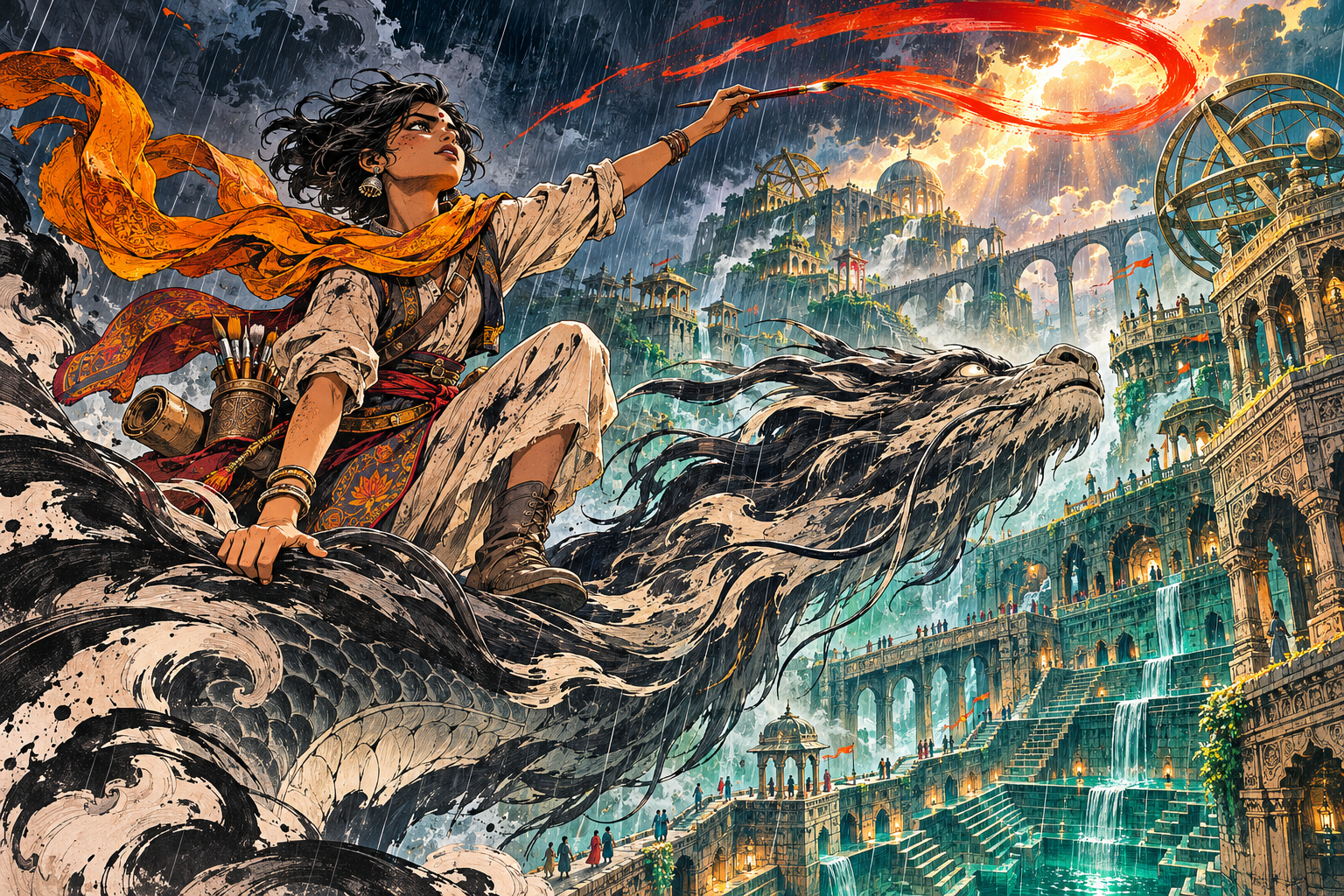
When a brushstroke becomes a story.
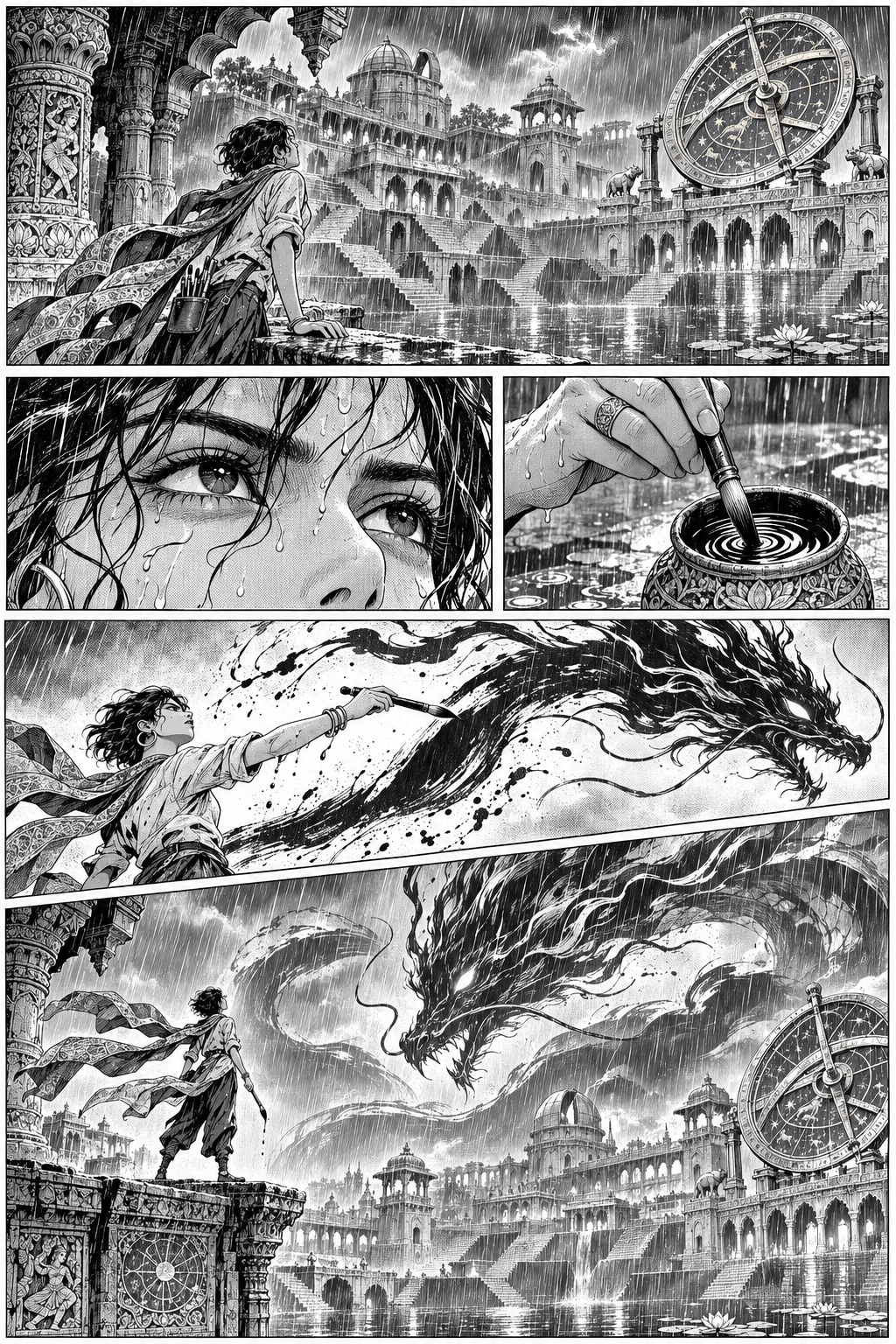
One world, two visual languages. Discover the energy of a full-colour illustration and the rhythm of an inked manga page.
Create with Kathaka ↓AI-assisted concept artwork
From a character in three dimensions to a single frame in motion. Explore the projects, inspect the details and make them your own.
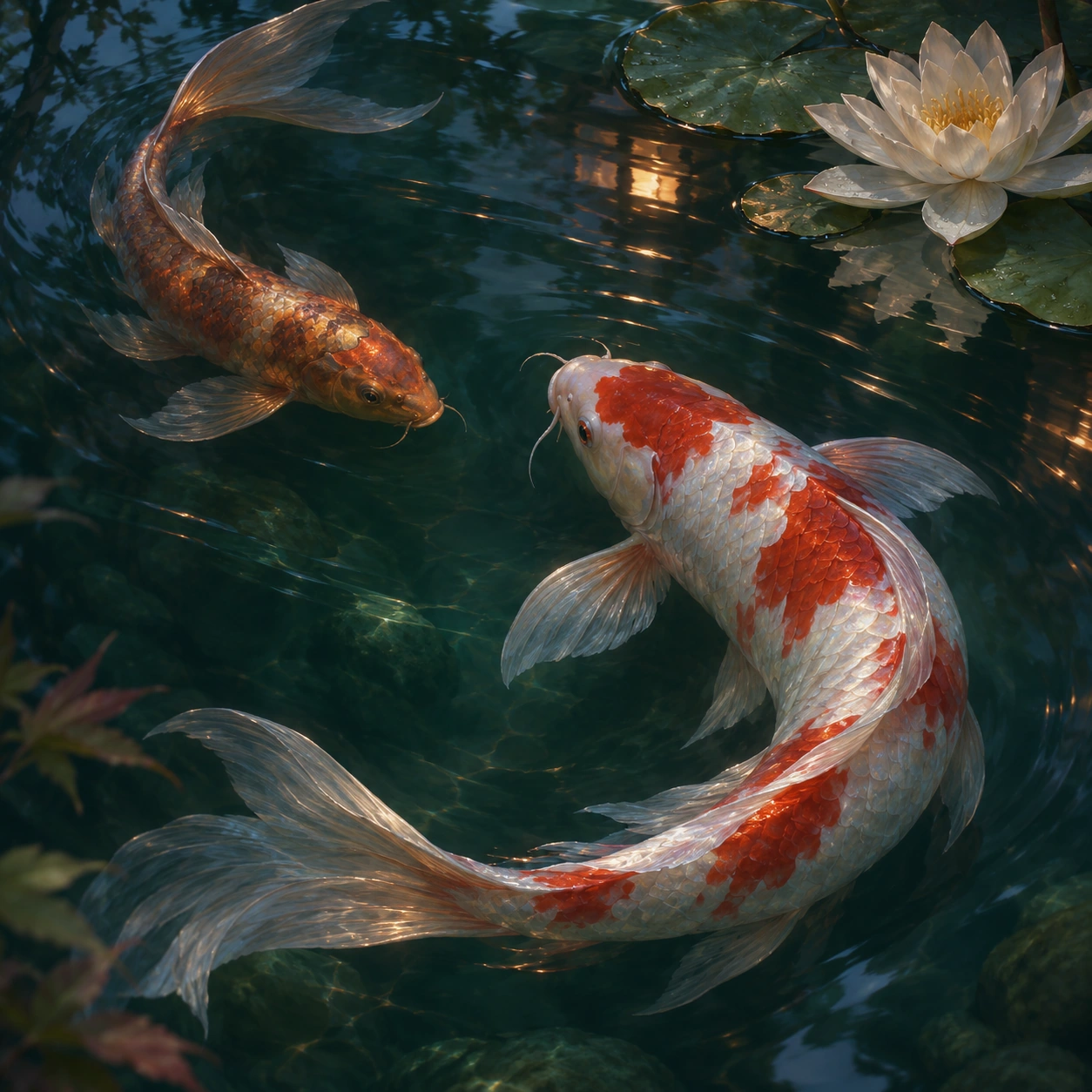
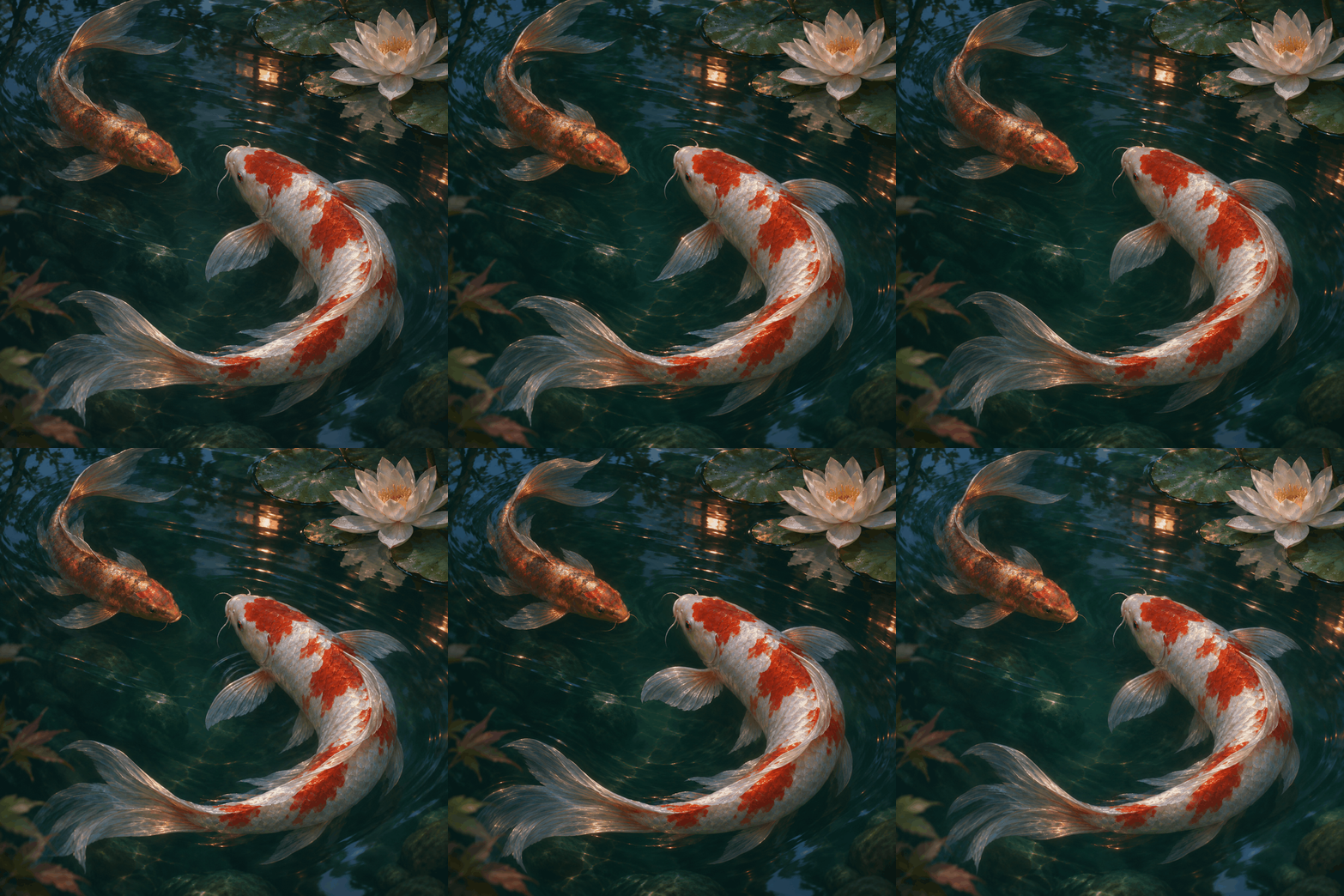
A pond, between breaths.
Pearl scales. Copper light. A moment held just beneath the surface. Two koi move through a quiet study of water, weight and translucent fins.
AI-assisted painted poses · assembled and exported with Kathaka’s native Flipbook engine
Built for the night.
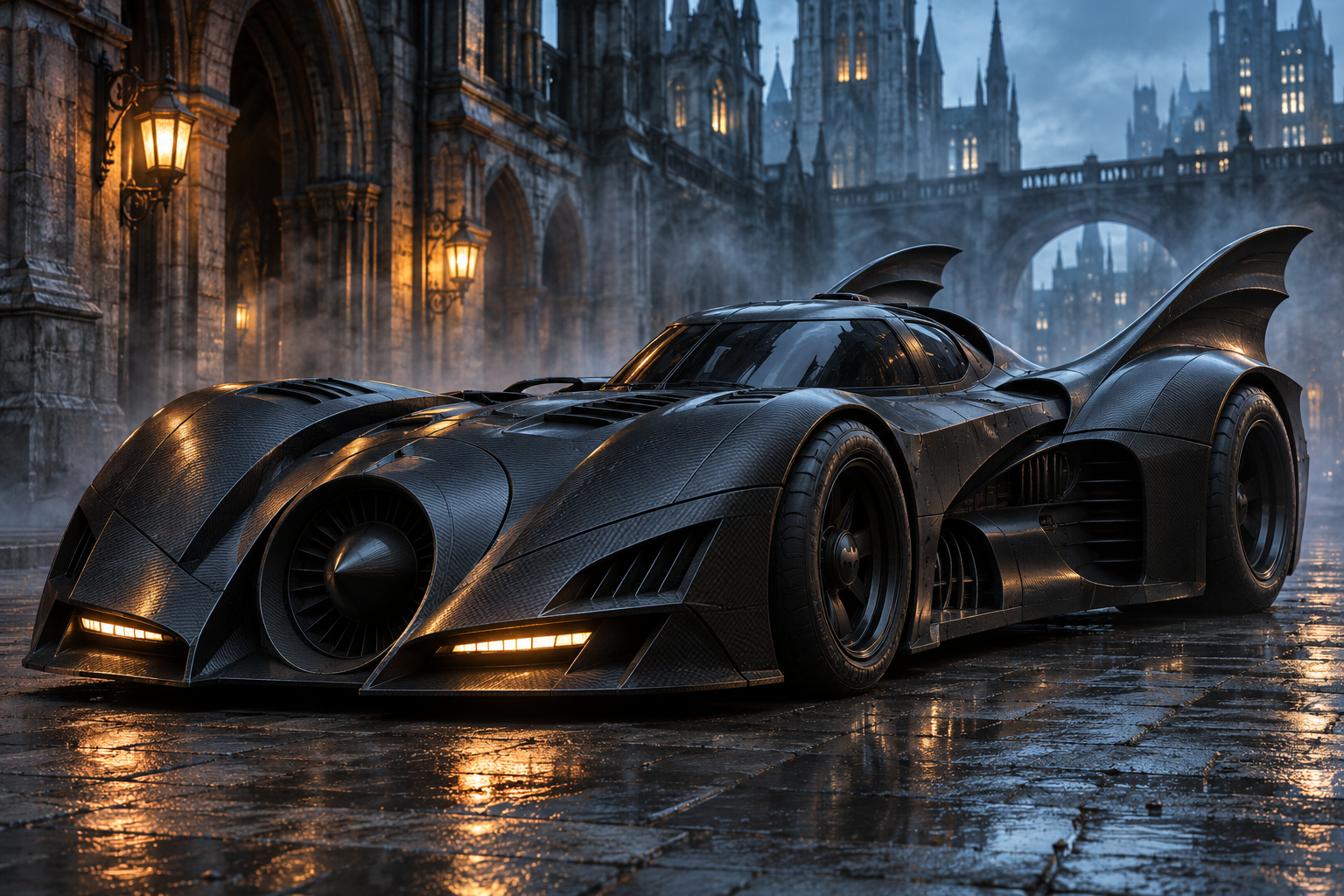
Four Batman vehicle visions. Sculpted silhouettes, graphite bodywork and amber light — from rain-soaked streets to the skies above Gotham.
Batmobile
Carbon-fiber curves, dramatic fins and an impossibly low stance. A Batmobile imagined for the rain-dark streets of Gotham.
AI-generated concept artwork · 1536 × 1024 PNG.
Give every feather a little life.
Phoenix Rising
Twelve distinct poses carry this ink phoenix through a complete wingbeat. Play the loop, change the preview speed or inspect one frame at a time.
AI-assisted pose artwork · twelve separate frames · GIF exported by Kathaka
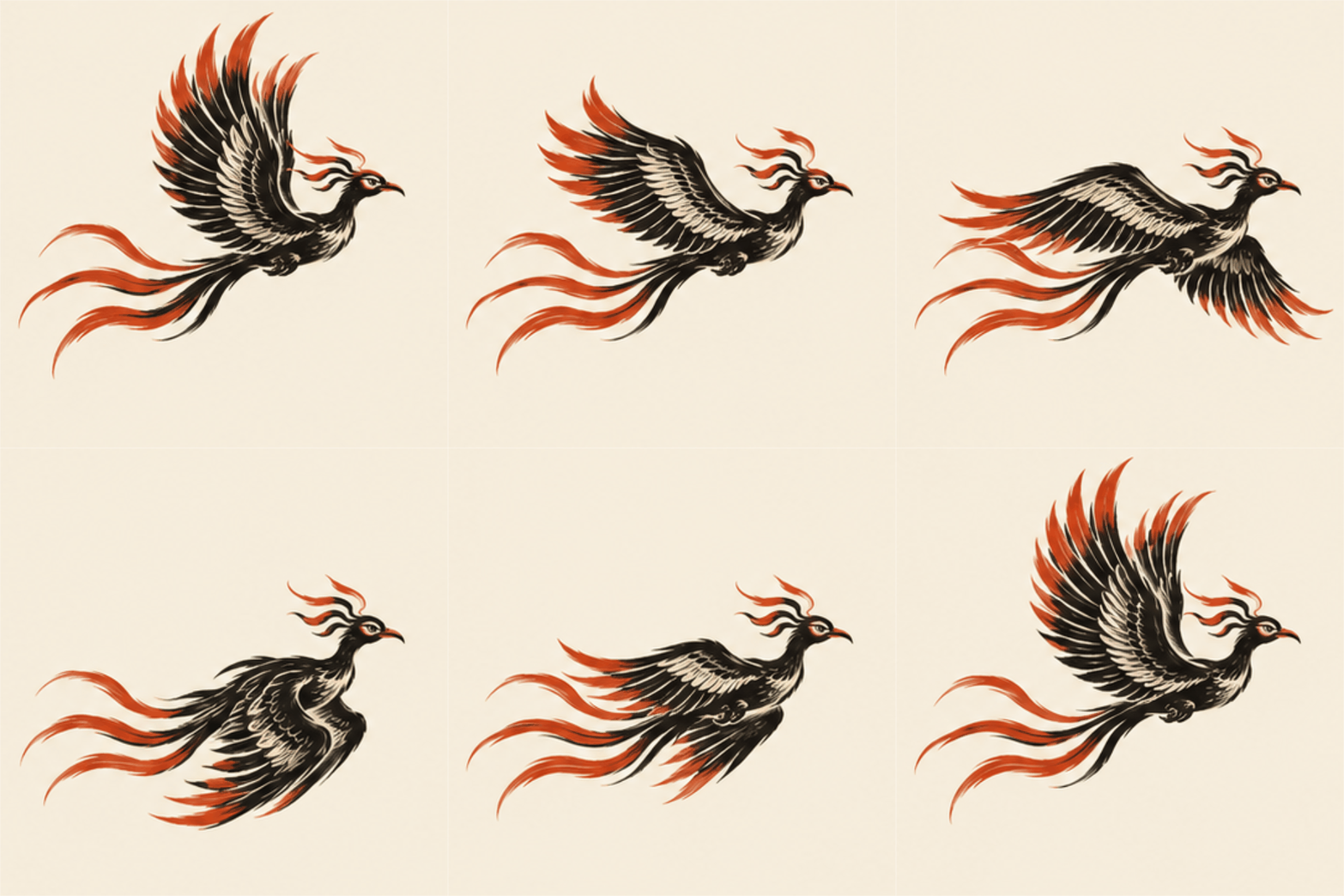
Extract the ZIP and open book.json in Kathaka. Each animation frame contains its own imported artwork layer.
Explore this workflow → Frame 1 / 12
A story begins with the right shot.
Six shots travel from a rain-soaked city to an extraordinary encounter. Wide shots establish the world; close-ups reveal intent; a low angle makes the first brushstroke feel monumental.
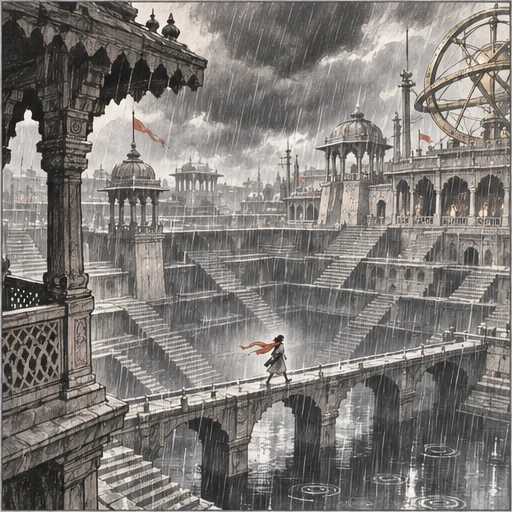
AI-assisted shot artwork · editable camera notes and shot prompts in Kathaka
Find your next story.
From a character’s first glance to an entire imagined world. Explore illustrations, manga, comics, storyboards and more.
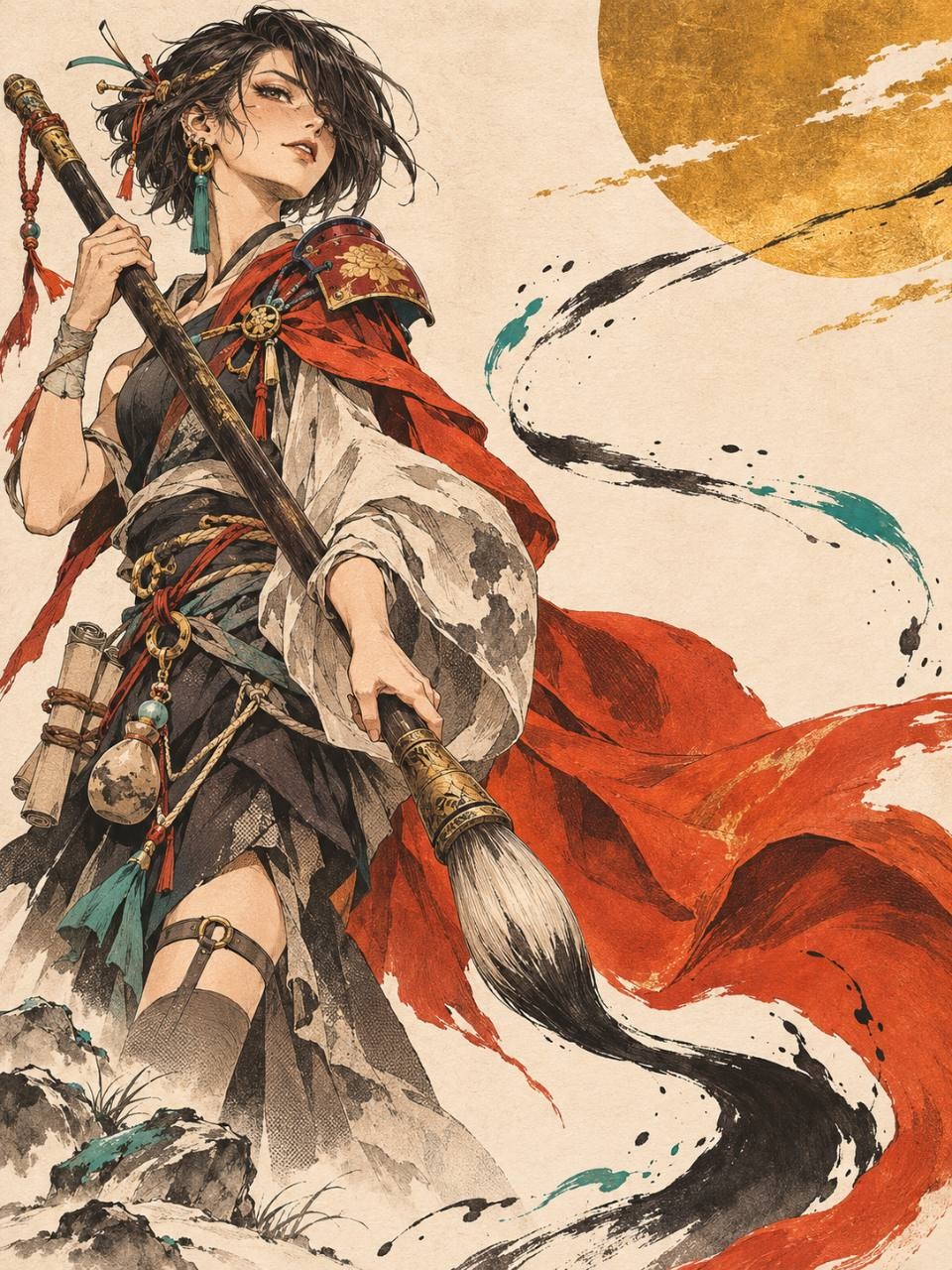
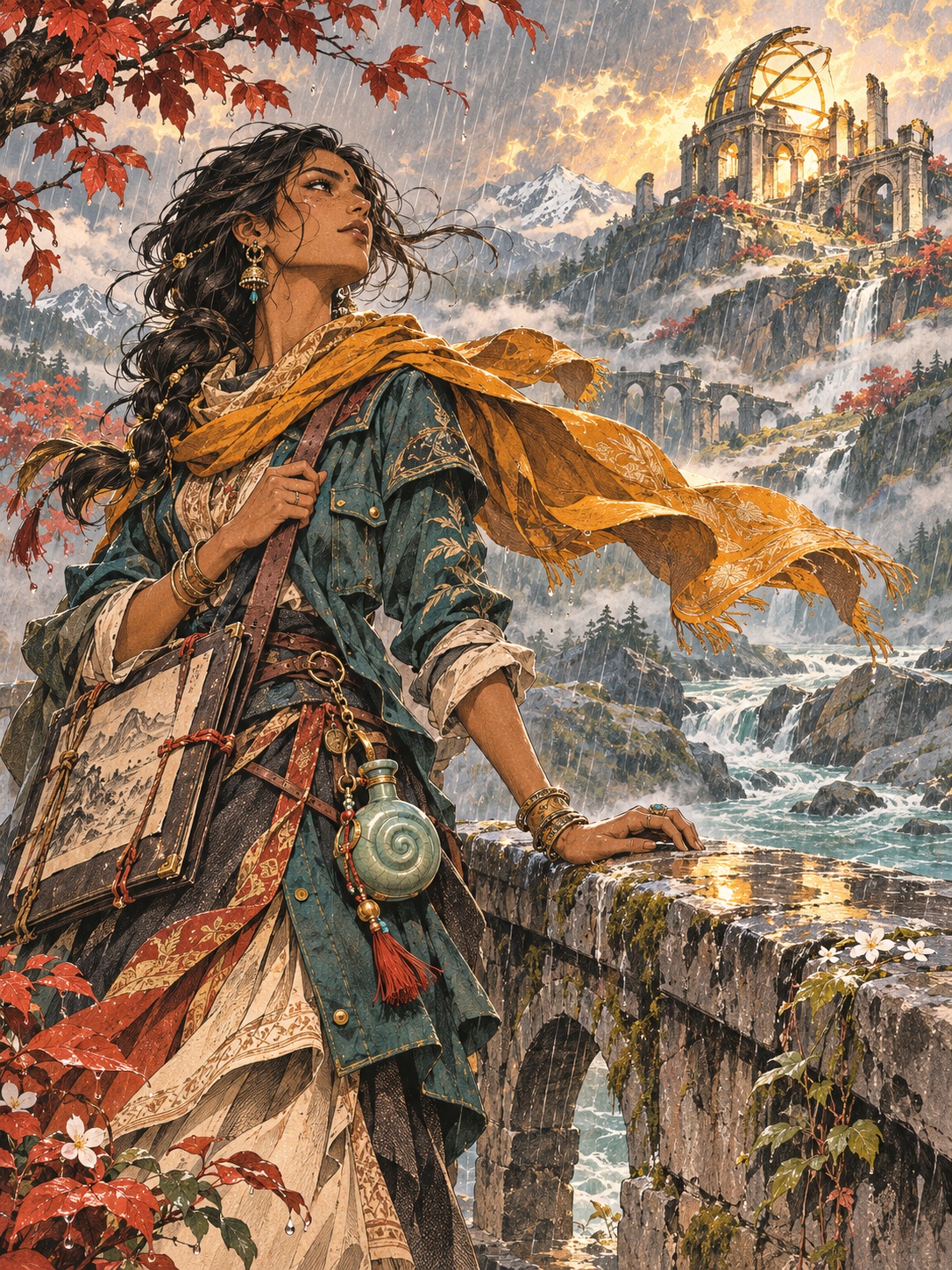
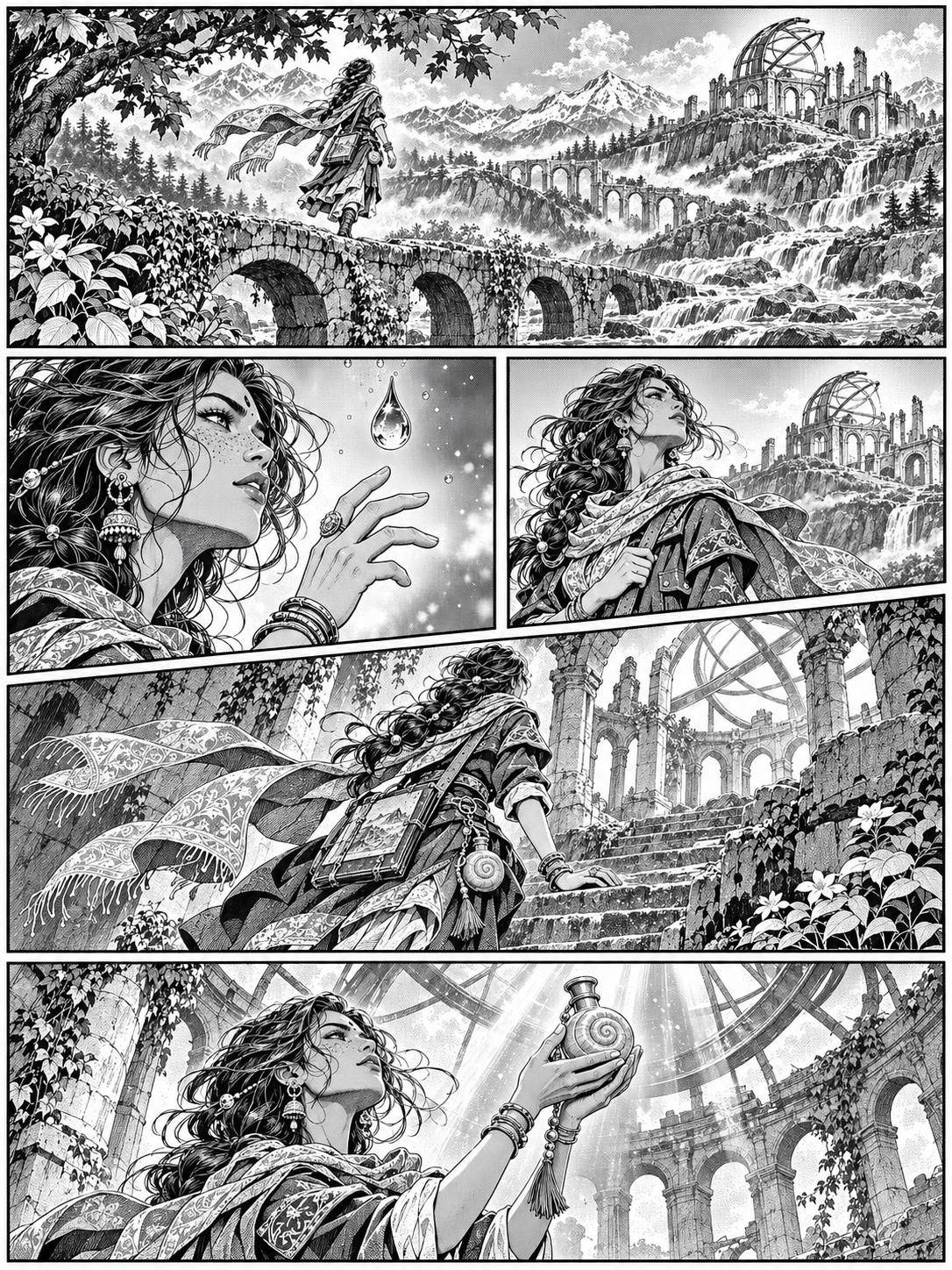
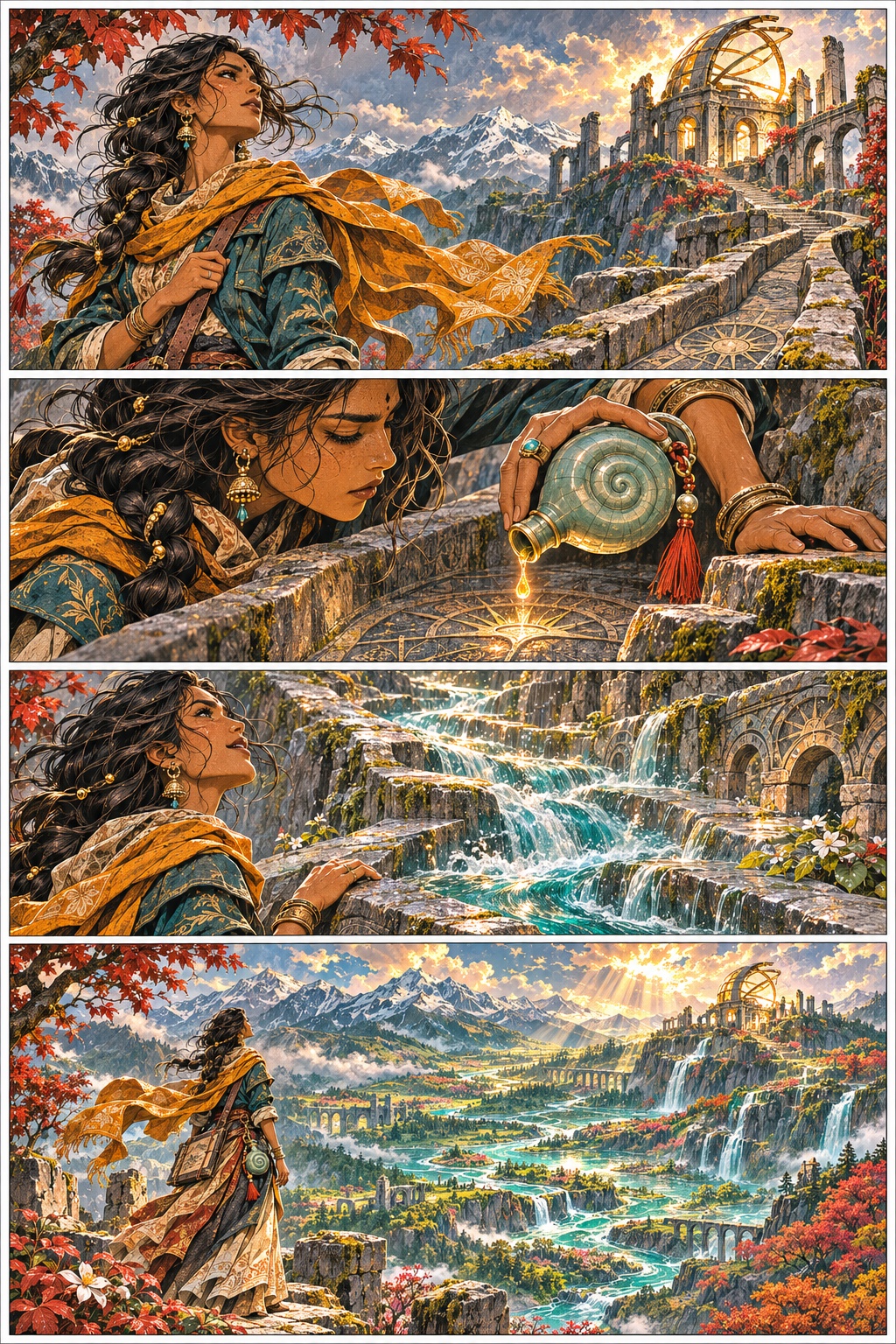
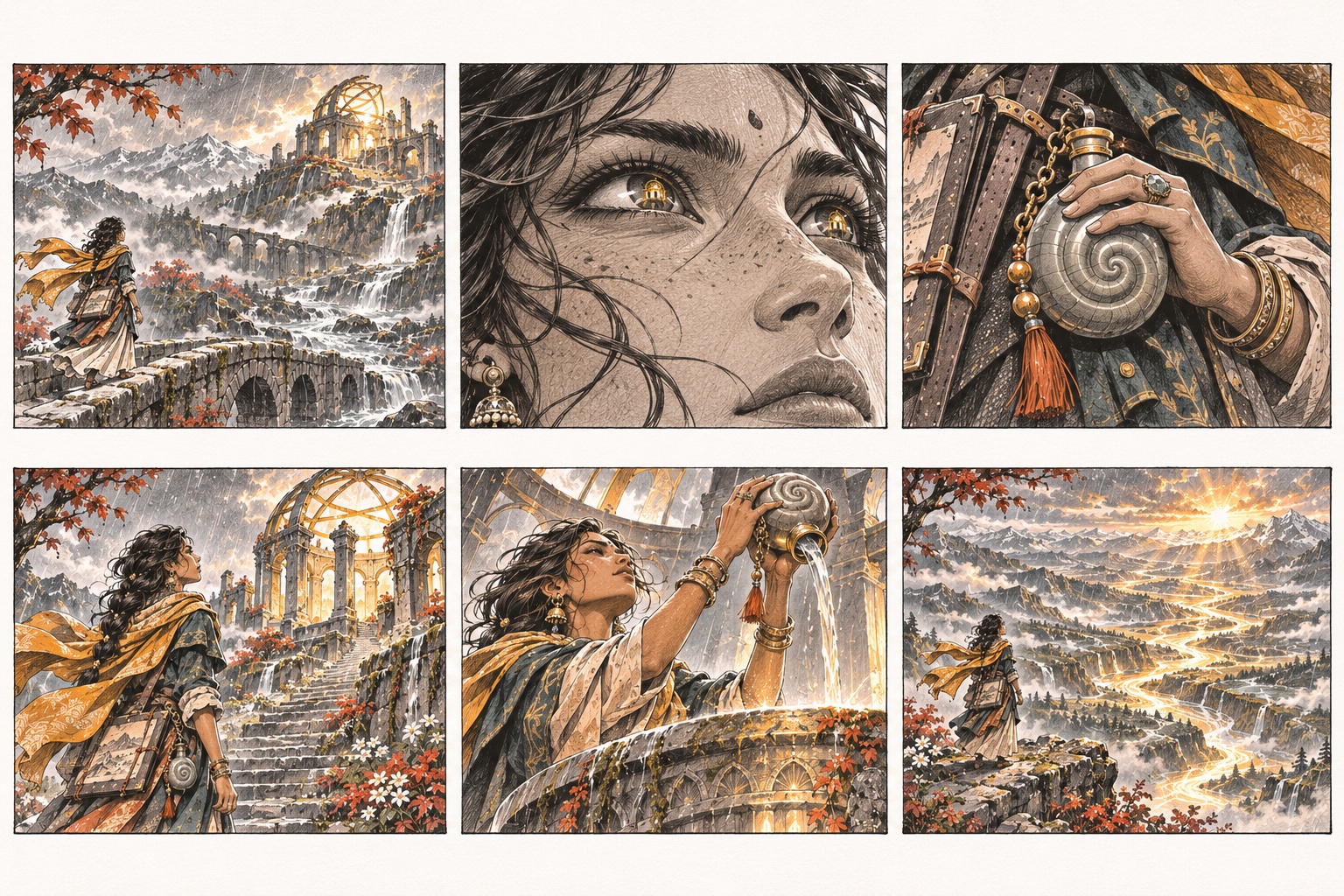
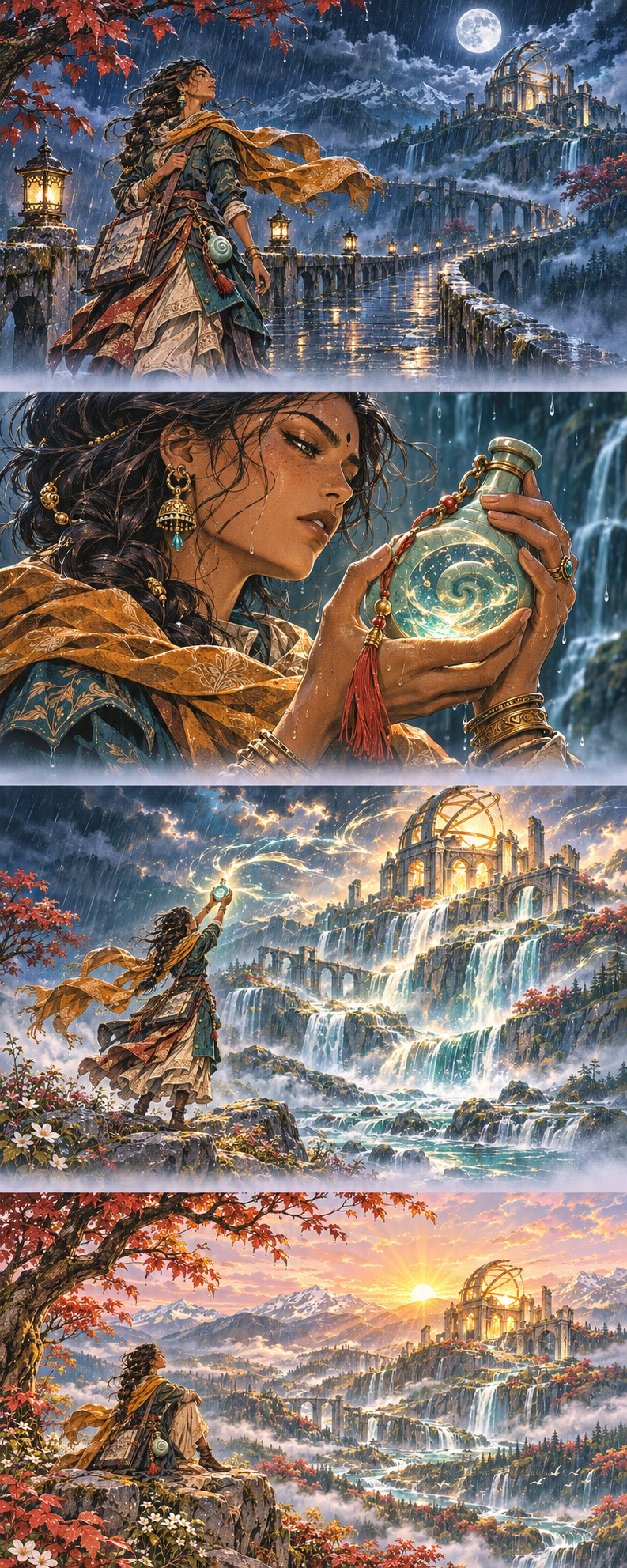
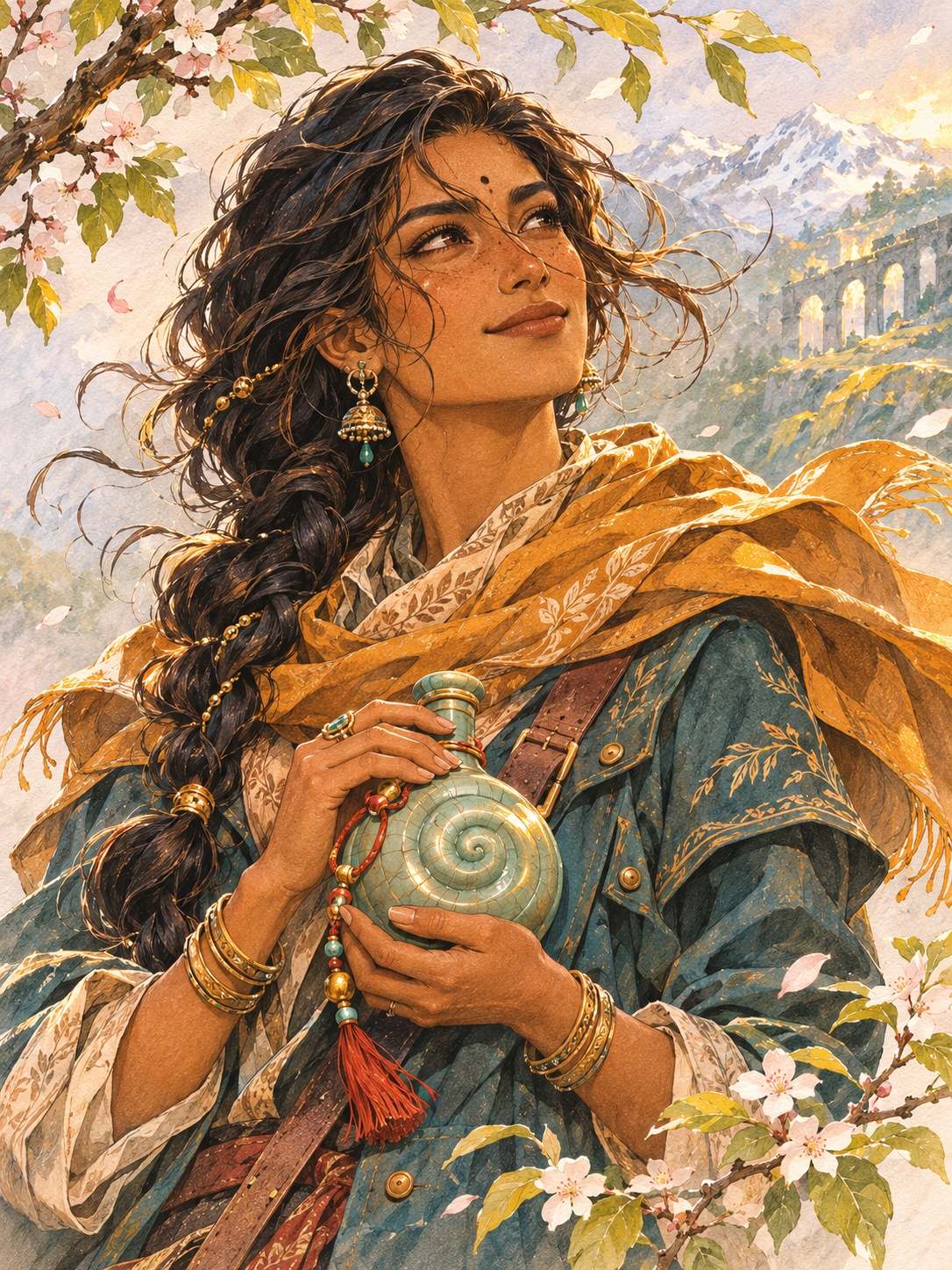
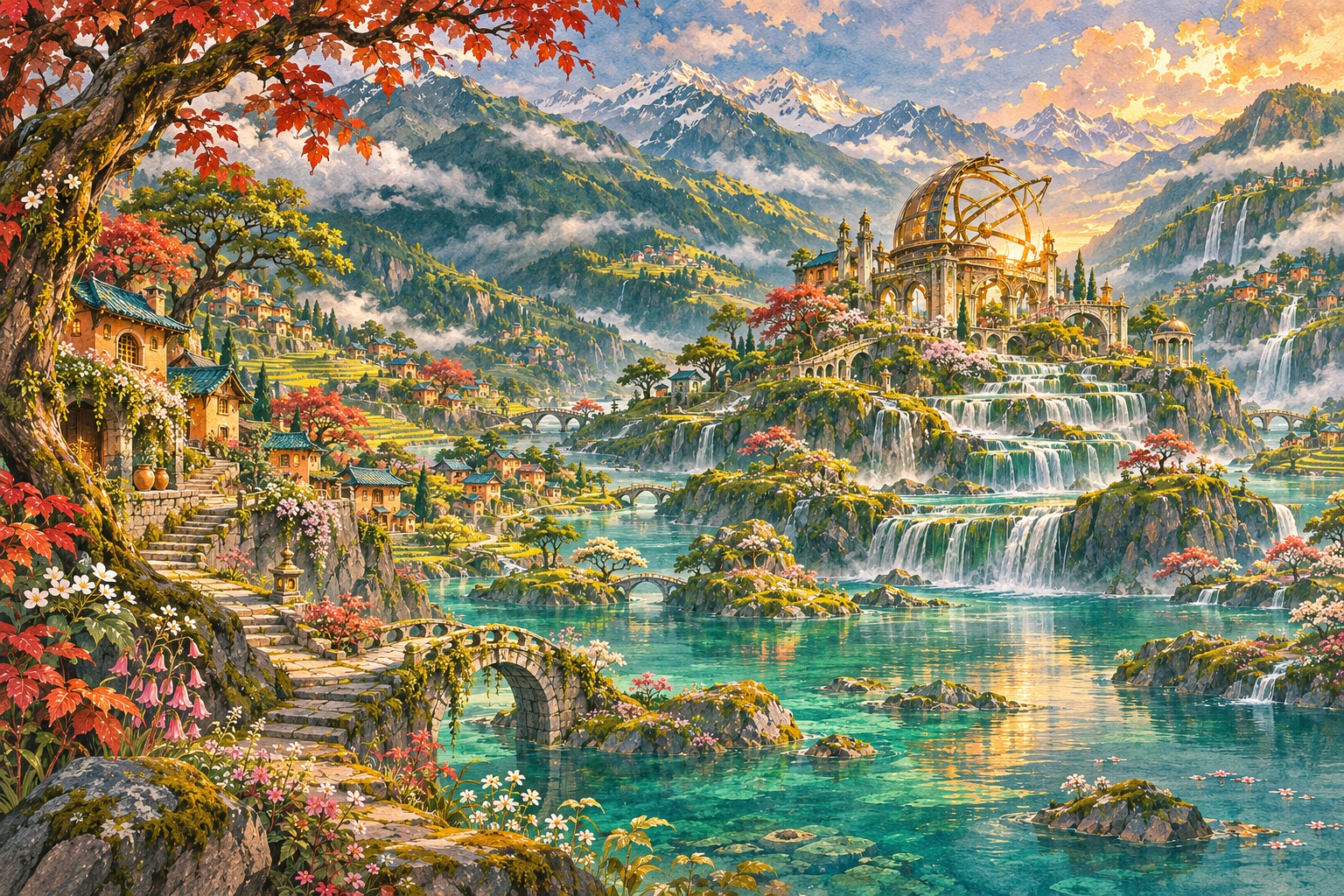
AI-assisted concept artwork and supplied reference, prepared for reference and imported-artwork workflows in Kathaka. These images were not drawn with Kathaka’s native brushes.
Extract the ZIP, then use File → Open project to select book.json and its artwork folder. The illustration is a flattened raster layer; add layers to continue editing.