Storyboard and animatic software for animation and film
Animators and directors think in shots. The Director workspace turns an outline into scenes, a shot list and a 16:9 storyboard book, then times it into an animatic with camera moves, dialogue and sound.
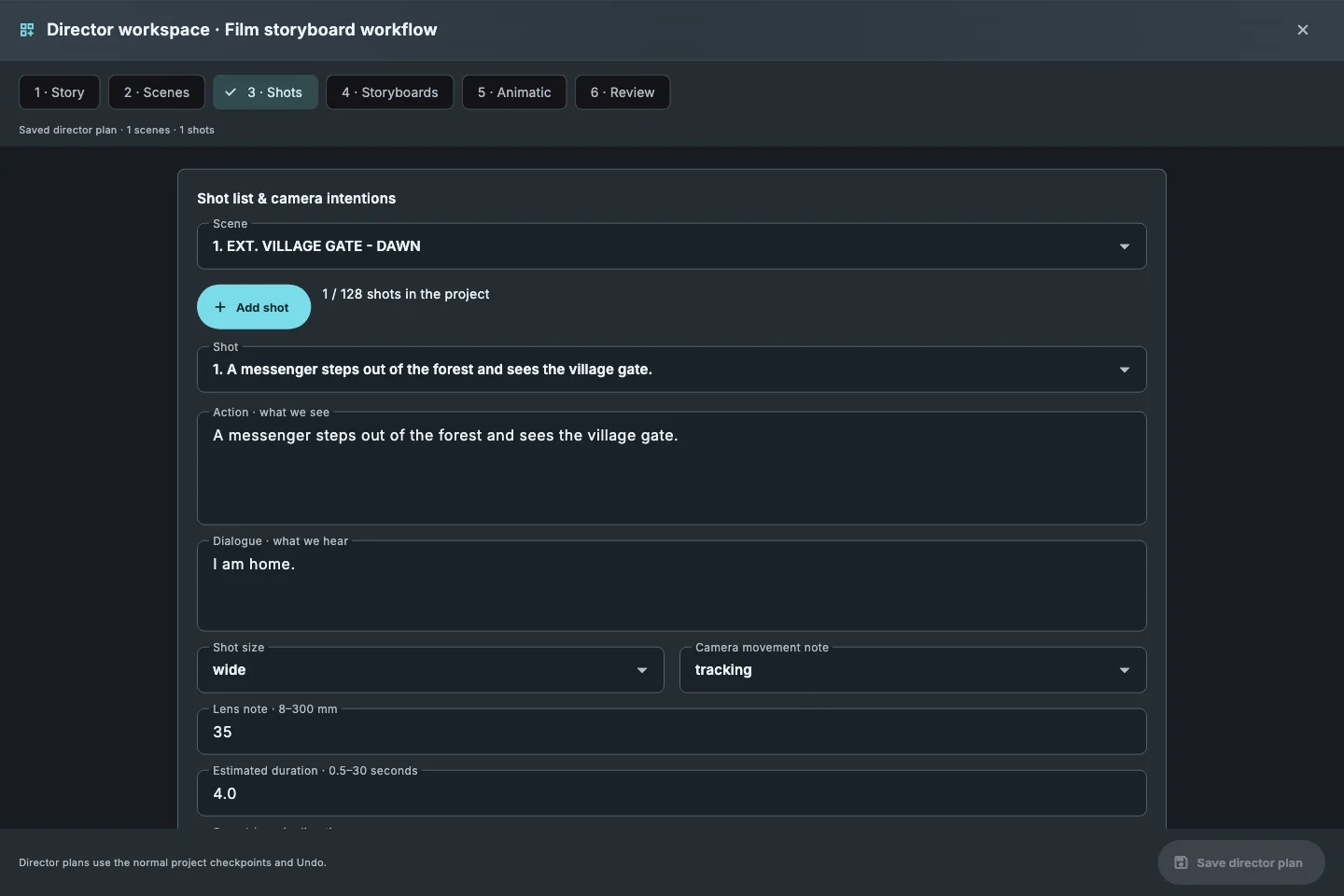
Outline to shot list
Up to 40 scenes and 128 shots per project, each with action, dialogue, shot size, lens and camera move.
16:9 storyboard books
Turn the shot list into editable storyboard pages and draw each frame with the full drawing toolset.
Animatics with camera and sound
Camera moves, transitions, dialogue timing and four audio tracks; scene animatics run up to 120 seconds each.
Video for review
Export the cut as video for the director, the editor or the client.
How it works
- Open Page › Director workspace and write a one-paragraph outline.
- Split it into scenes and add shots.
- Create the 16:9 storyboard book and draw the frames.
- Time the animatic, add audio and export video.
Common questions
Is it a full animation package?+
No. It is for planning, boards and animatics; final animation happens in your animation tool.
Can comic pages become motion manga?+
Yes. Comic pages can be timed with camera moves and transitions and exported as video.
How long can an animatic be?+
Each scene animatic runs up to 120 seconds; a project holds up to 40 scenes.
Related guides
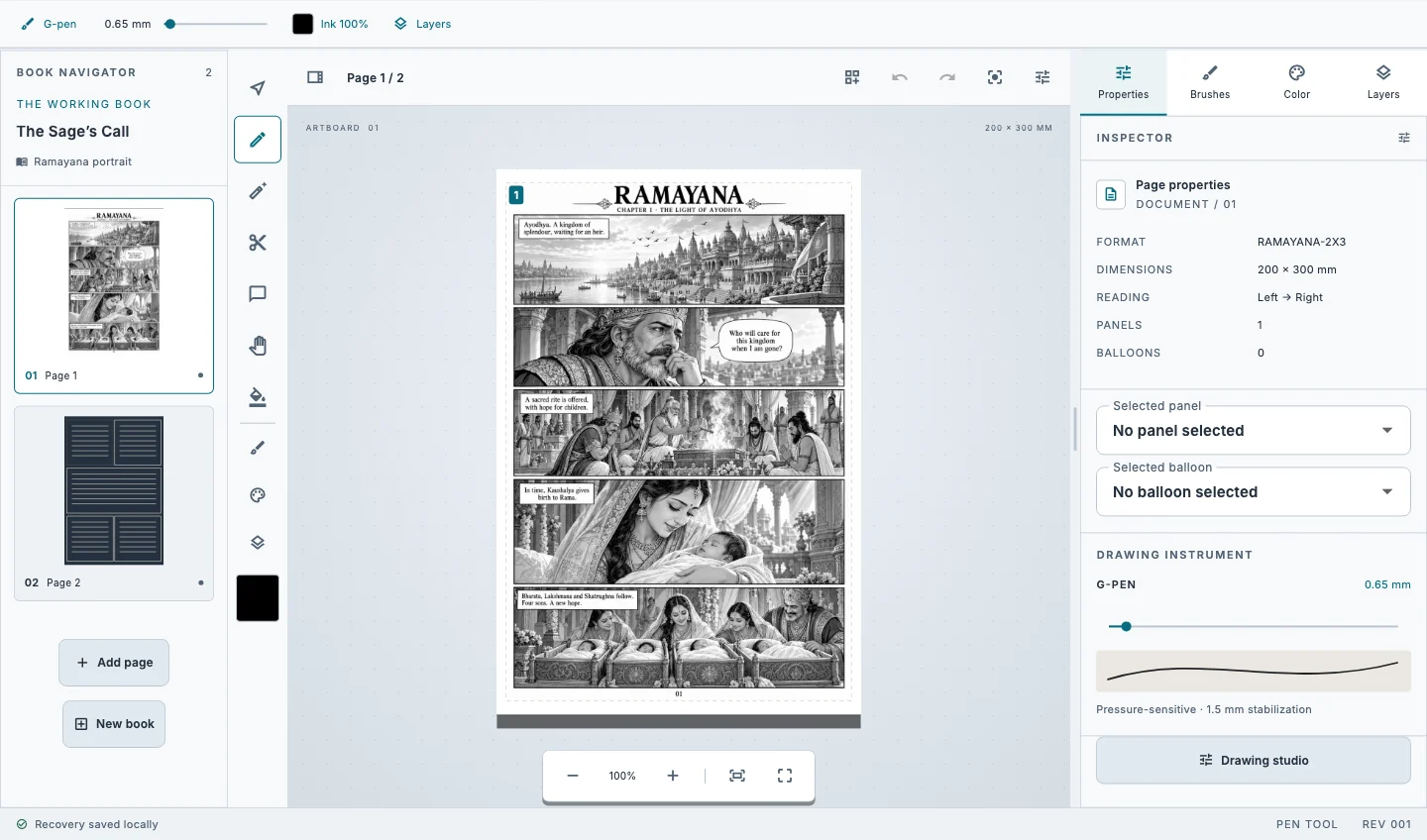
Download Kathaka Studio
Sign in online at startup. Private drawing continues if your connection drops.