
Digital inking software that feels like a real nib
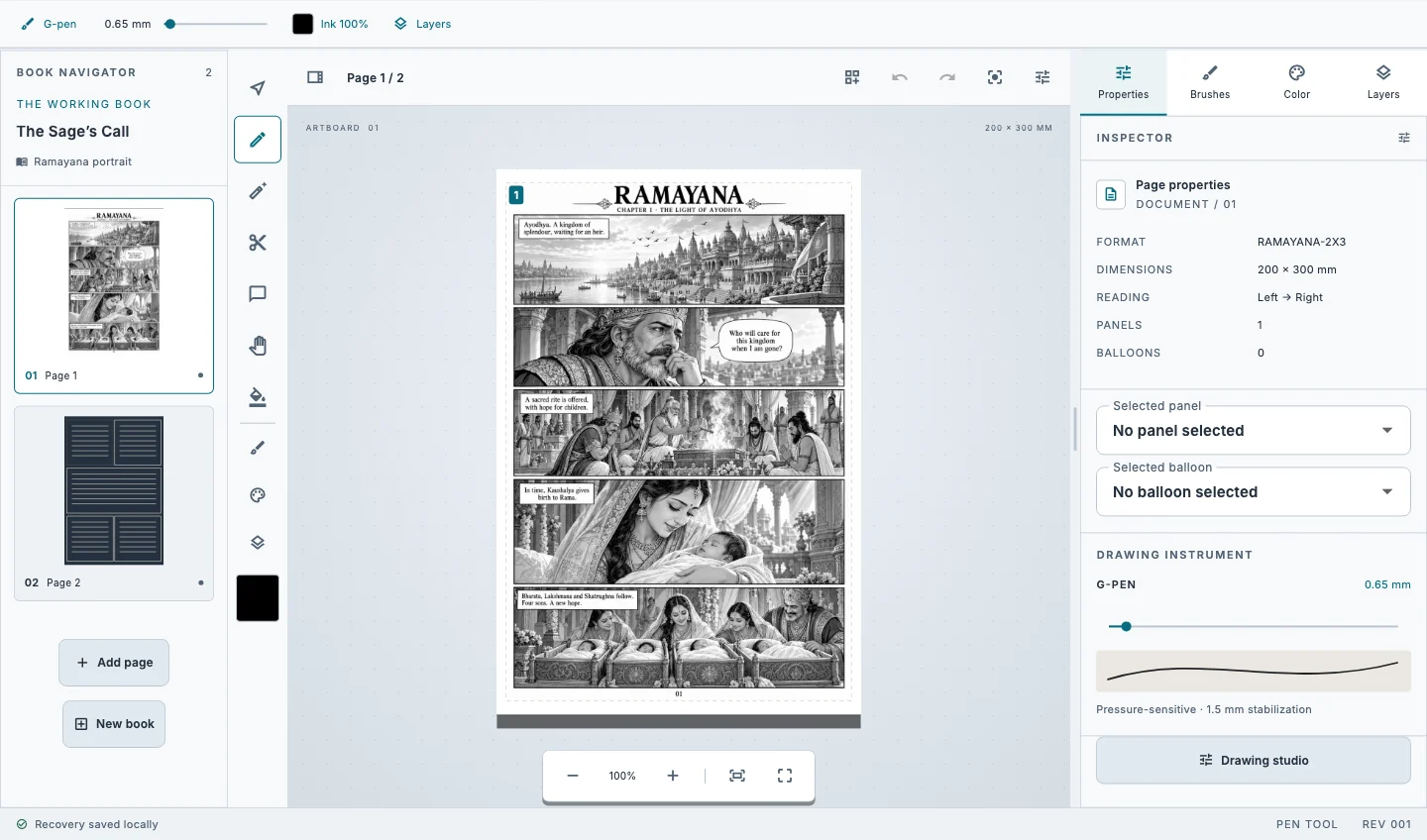
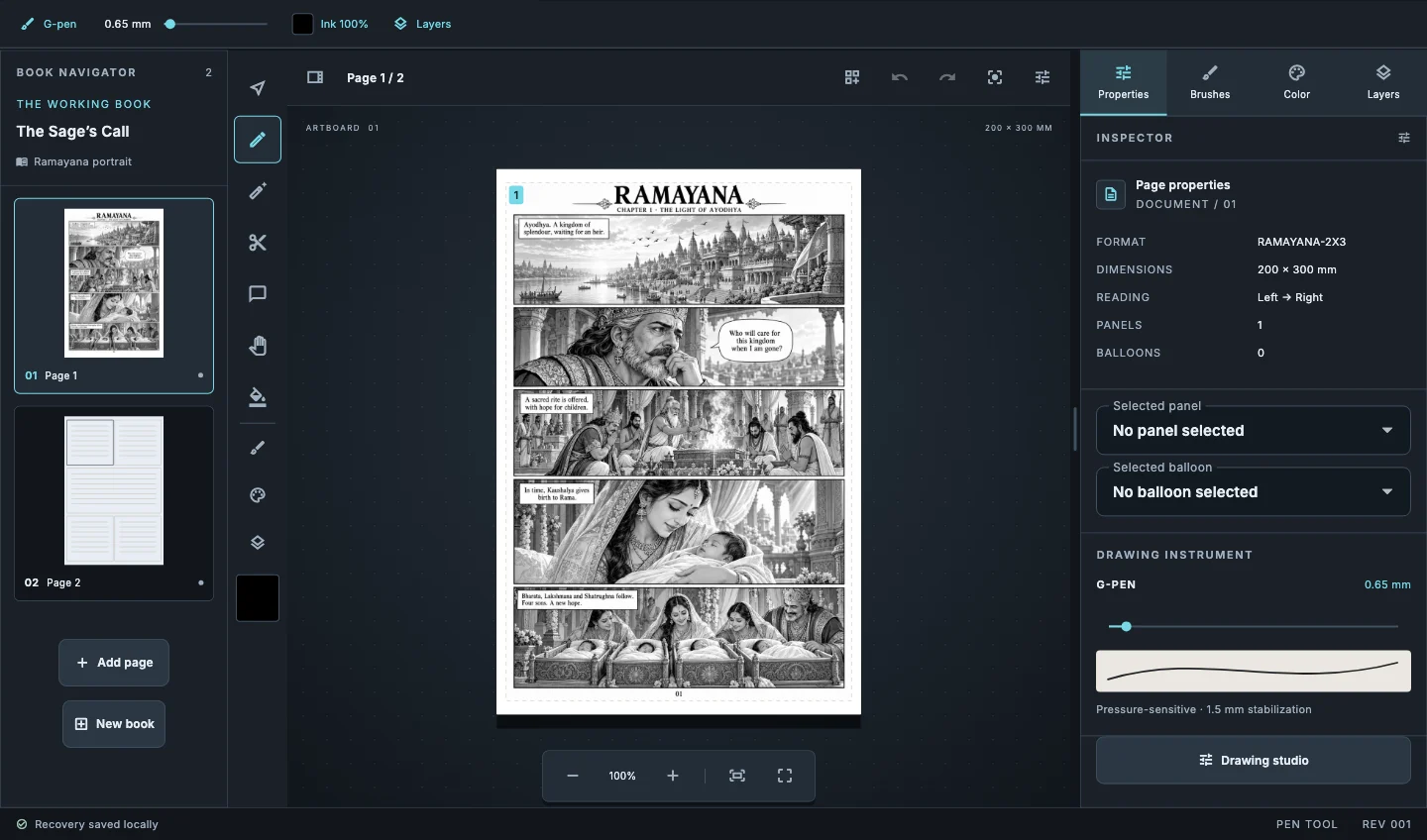
Inking is where a page gets its weight. Kathaka Studio was tuned around the pen first: a fast hatch line comes out as fast as you drew it, tapers where you lifted, and stays editable afterwards.
Pressure, tilt and your own curve
Draw your pressure response as a curve, so a light touch gives a thin, unbroken line and full pressure gives the weight you want. Tilt widens a flat nib like a real brush pen.
Stabilisers without lag
One Euro is the everyday choice, pulled string is for long hair and fabric curves, and the time-window average smooths shaky hands. None of them adds facets or gaps between dabs.
Pens that inkers recognise
G-pen, maru pen and brush pen presets, a hover outline that shows the exact footprint, and canvas rotate and flip so the page turns to your wrist.
Lines that stay editable
Vector ink can be reshaped, reweighted and recoloured after you lift the pen, and raster strokes stay editable too.
How it works
- Pick the G-pen and draw a row of fast hatch lines.
- Lift the middle of the pressure curve until light strokes stop breaking.
- Choose One Euro for everyday work and pulled string for long curves.
- Save the brush to My brushes so every project starts with it.
Common questions
Which pen tablets work?+
Kathaka Studio reads pressure and tilt from the pen input your system provides, so pen tablets and pen displays work through their normal drivers.
Can I ink on Android?+
Yes. Pen tablets on Android 8 or later get pressure, and fingers draw until a stylus touches the screen.
Does it support perspective rulers?+
Yes: one, two and three-point perspective rulers and a symmetry ruler.
Related guides
Download Kathaka Studio
Sign in online at startup. Private drawing continues if your connection drops.