
Accessible EPUB comics with panel descriptions
A comic should reach every reader. Kathaka Studio exports EPUB 3 where a screen reader announces each panel and every balloon in reading order, and a guided edition shows one panel at a time on a phone.
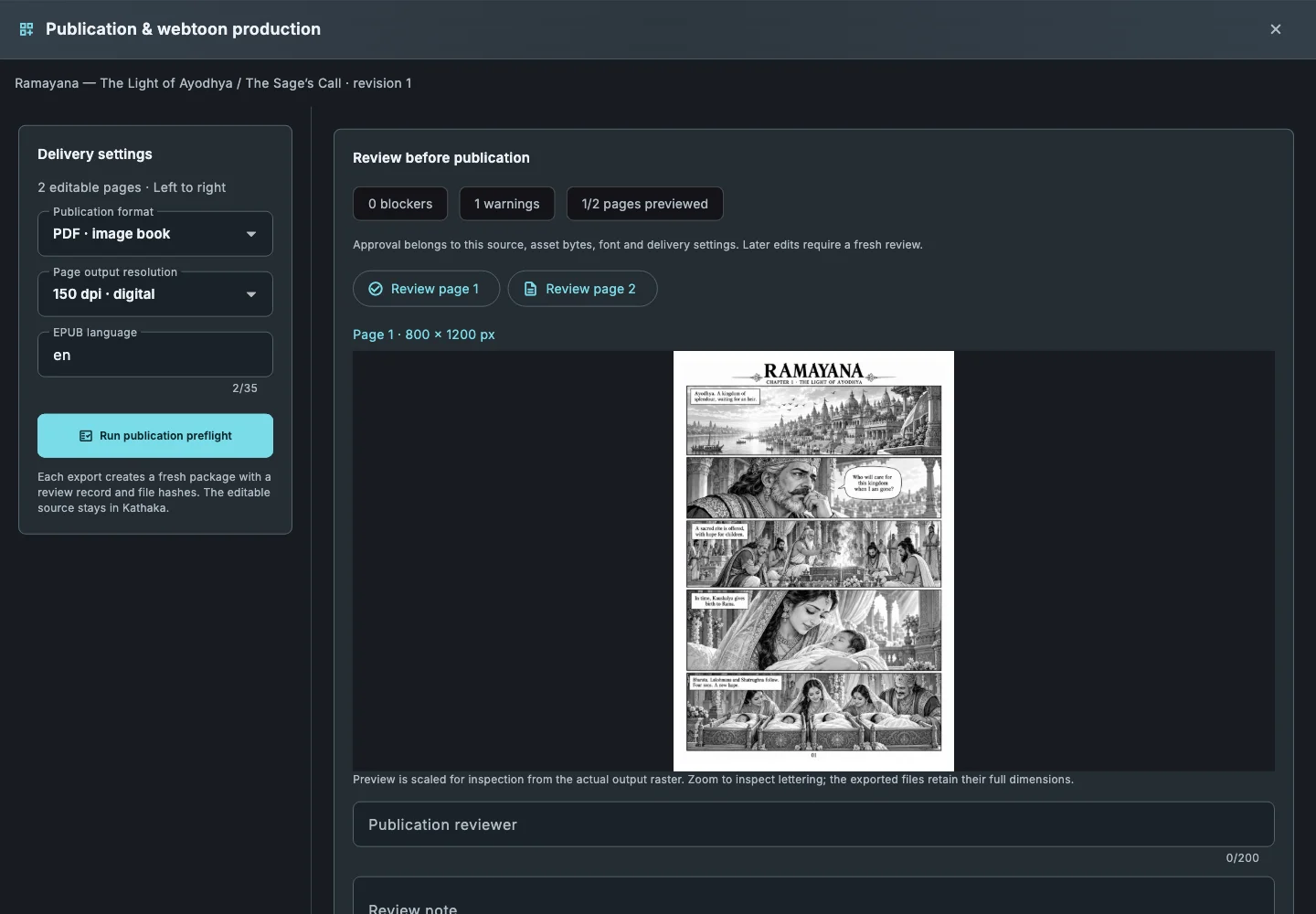
Descriptions from your panel briefs
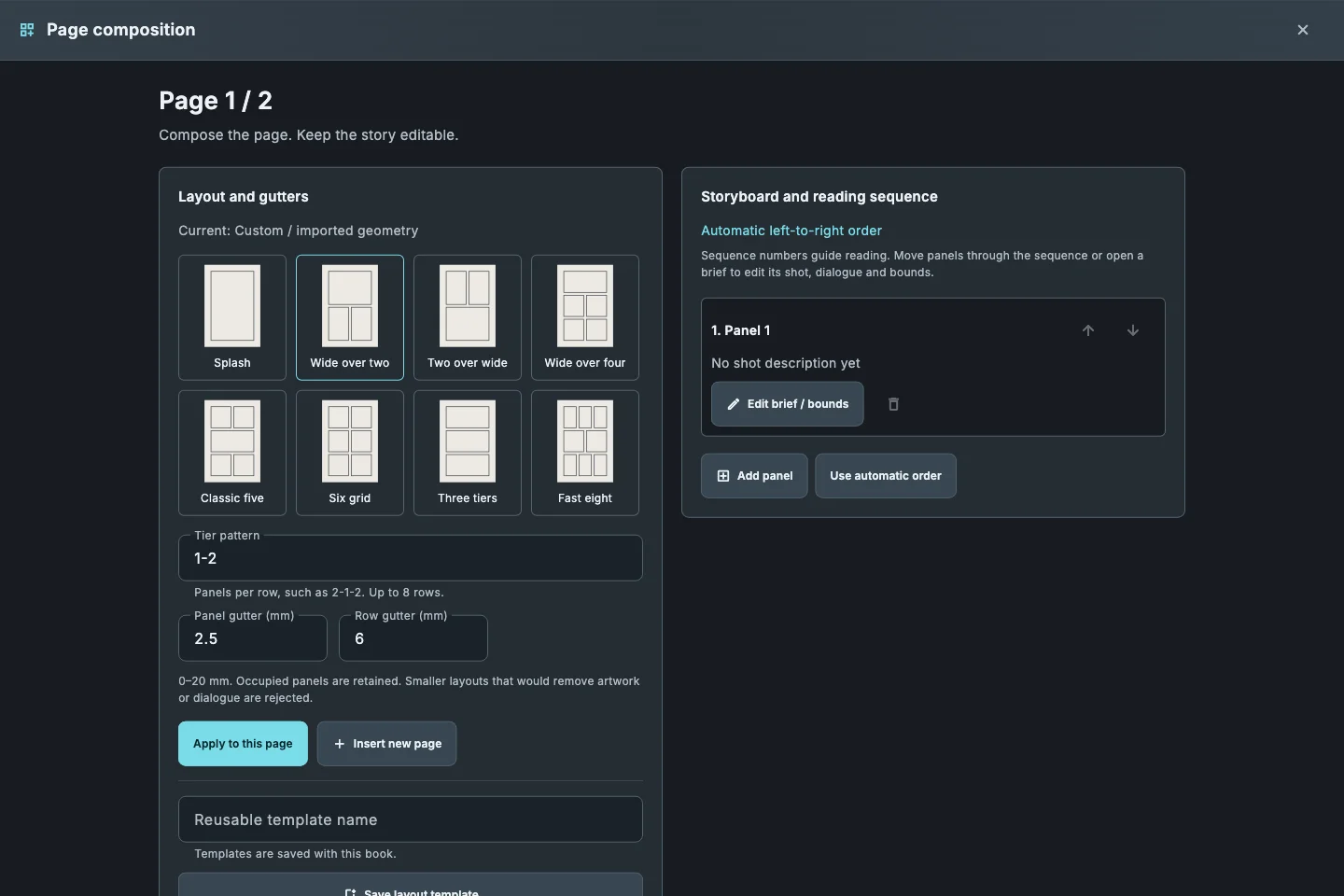
Write who, what and where for each panel; the briefs become the descriptions screen readers announce.
Lettering as text
Balloons and captions also travel as text in reading order, so screen readers and search can read every line.
Accessibility metadata
Panel regions for navigation and schema.org accessibility metadata, so stores can list the book as accessible.
Guided view for phones
A second edition turns each panel into its own screen for comfortable reading on small displays.
How it works
- Write a short brief for each panel.
- Choose File › Export book and clear every preflight blocker.
- Export EPUB and turn on the guided edition.
- Listen to one page with a screen reader from start to end.
Common questions
Which EPUB version is exported?+
Fixed-layout EPUB 3.
Do I have to describe every panel?+
Preflight warns how many panels have no description, so you can decide; the more you describe, the more readers can follow.
Is the guided view a separate file?+
Yes, an extra edition alongside the full-page EPUB.
Related guides
Download Kathaka Studio
Sign in online at startup. Private drawing continues if your connection drops.