
Print-ready comic files: 1-bit, CMYK, bleed and tombo
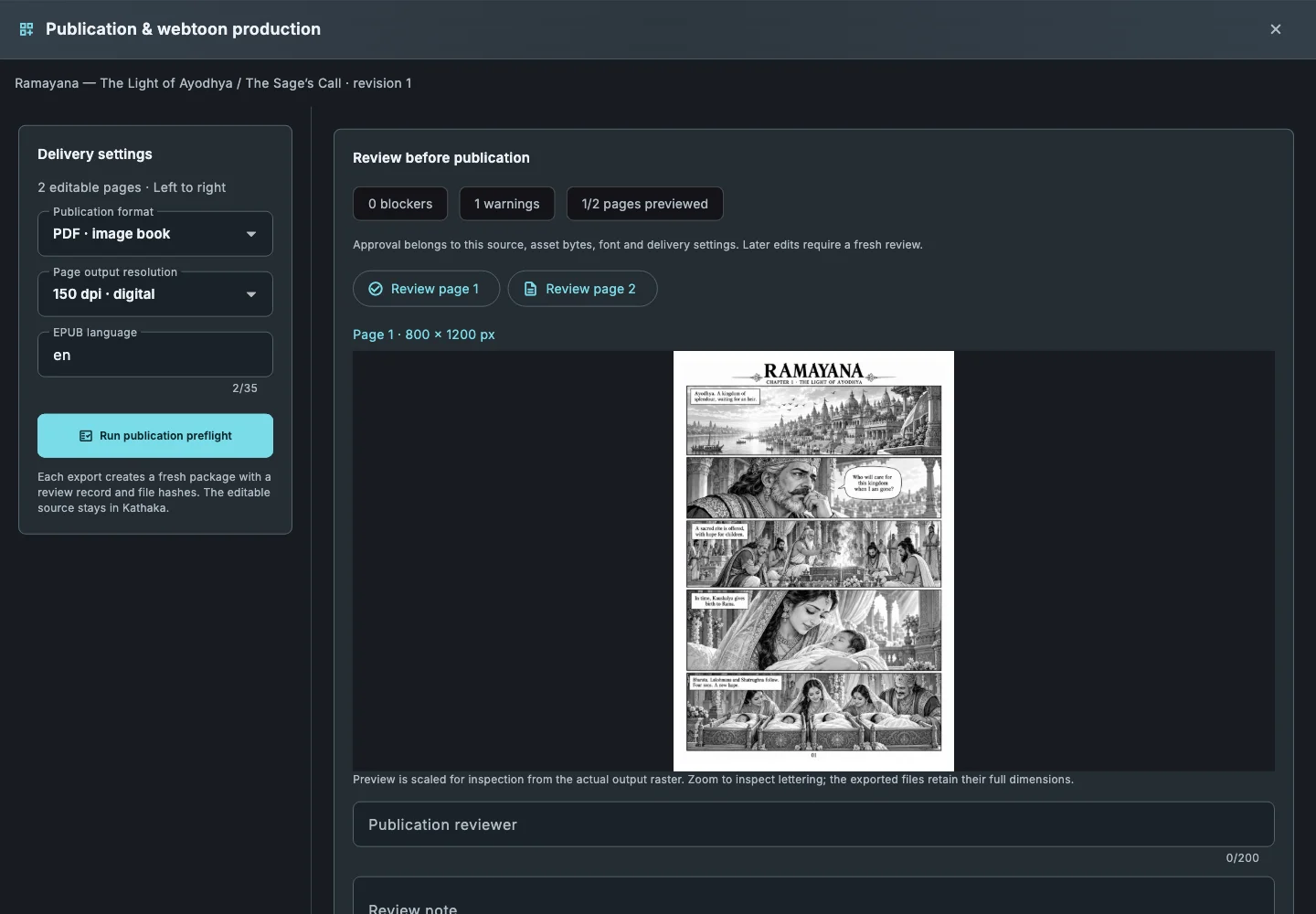
Printers reject files for small reasons: no bleed, rich black in the lettering, low resolution. Kathaka Studio checks all of it in preflight, then writes the files a press expects.
1-bit line art
Black-and-white pages at 300 to 2400 dpi, with screentones kept as clean dots and a warning for soft greys that 1-bit would lose.
Greyscale and CMYK TIFF
Convert with an ICC profile and an ink limit, and keep neutrals in black only so text never goes muddy.
Print PDF with Trim and Bleed boxes
Bleed, western crop marks or Japanese tombo, placed exactly from the book’s trim size.
Soft proof and preflight
Preview the printed result on screen, and clear resolution, lettering and approval blockers before export.
How it works
- Set trim size and bleed when you create the book.
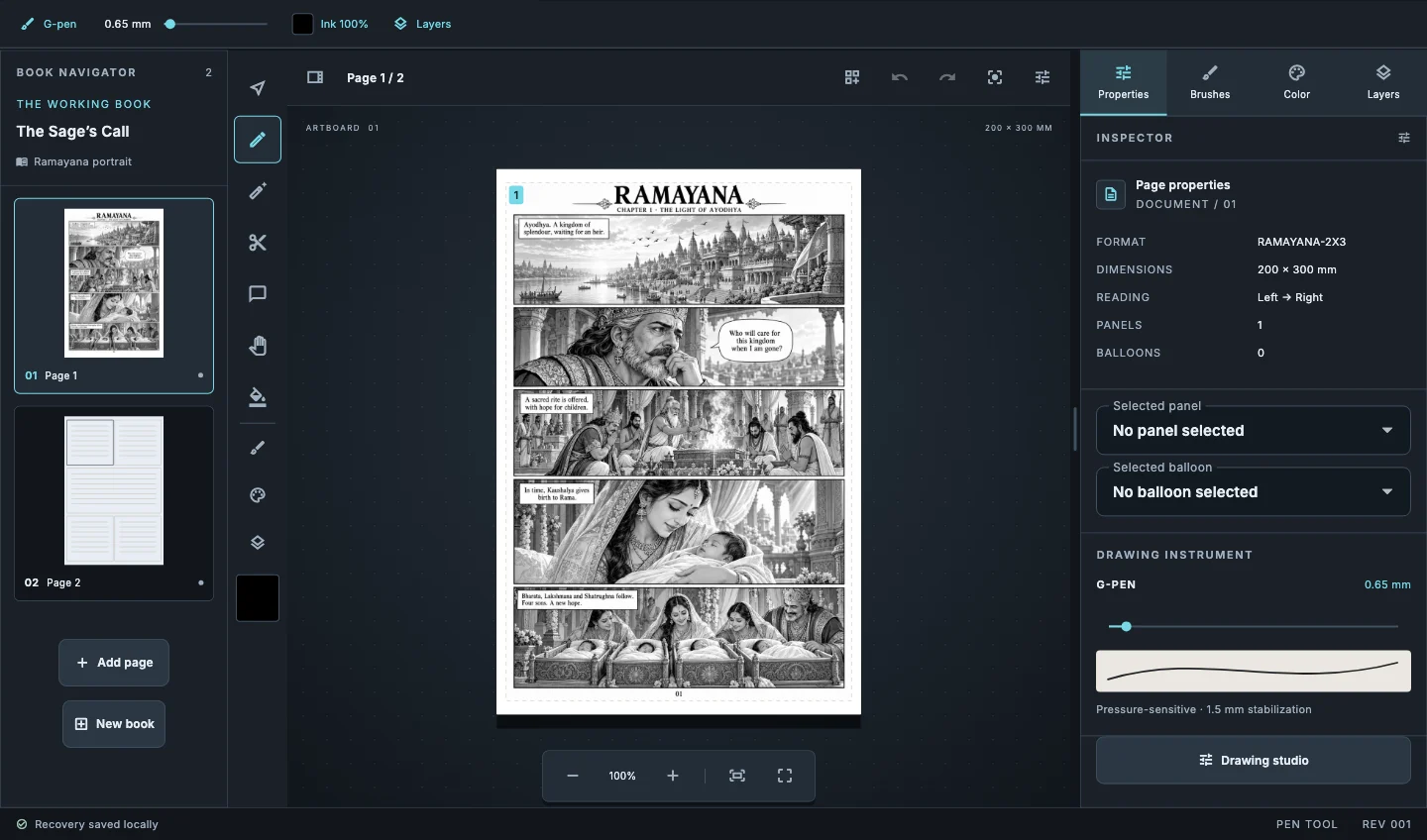
- Open File › Print output and pick 1-bit, greyscale or CMYK.
- Choose the ICC profile and ink limit your printer gave you.
- Add crop marks or tombo, run preflight and export.
Common questions
Which resolution should I use?+
Ask your printer; 600 dpi is common for 1-bit manga pages and up to 2400 dpi is available.
What are tombo?+
Japanese-style trim marks that show trim, bleed and the centre of each edge.
Can I check colour before printing?+
Yes. Soft proof shows the page through the selected ICC profile.
Related guides
Download Kathaka Studio
Sign in online at startup. Private drawing continues if your connection drops.