
Webtoon maker: vertical comics, slices and CBZ
Webtoons read by scrolling, so pacing lives in the space between panels. Kathaka Studio stacks your pages into one vertical strip, then cuts it into platform-ready slices at the gutters.
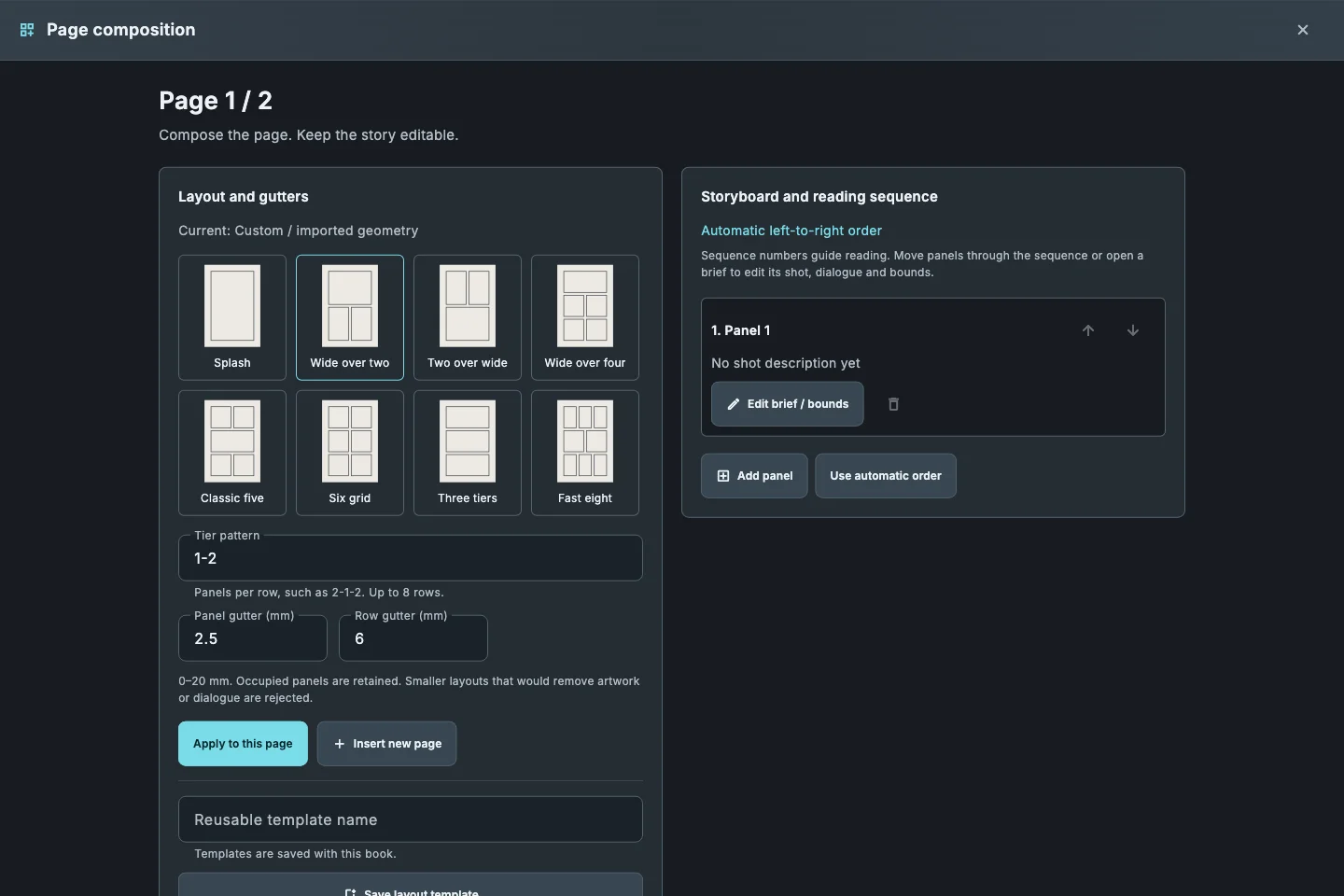
One vertical strip
Start a webtoon book and compose down the strip; panels and balloons work exactly as on a printed page.
Pacing with space
Long gutters slow the reader, short ones speed them up. Reading order follows the scroll.
Slices at quiet gutters
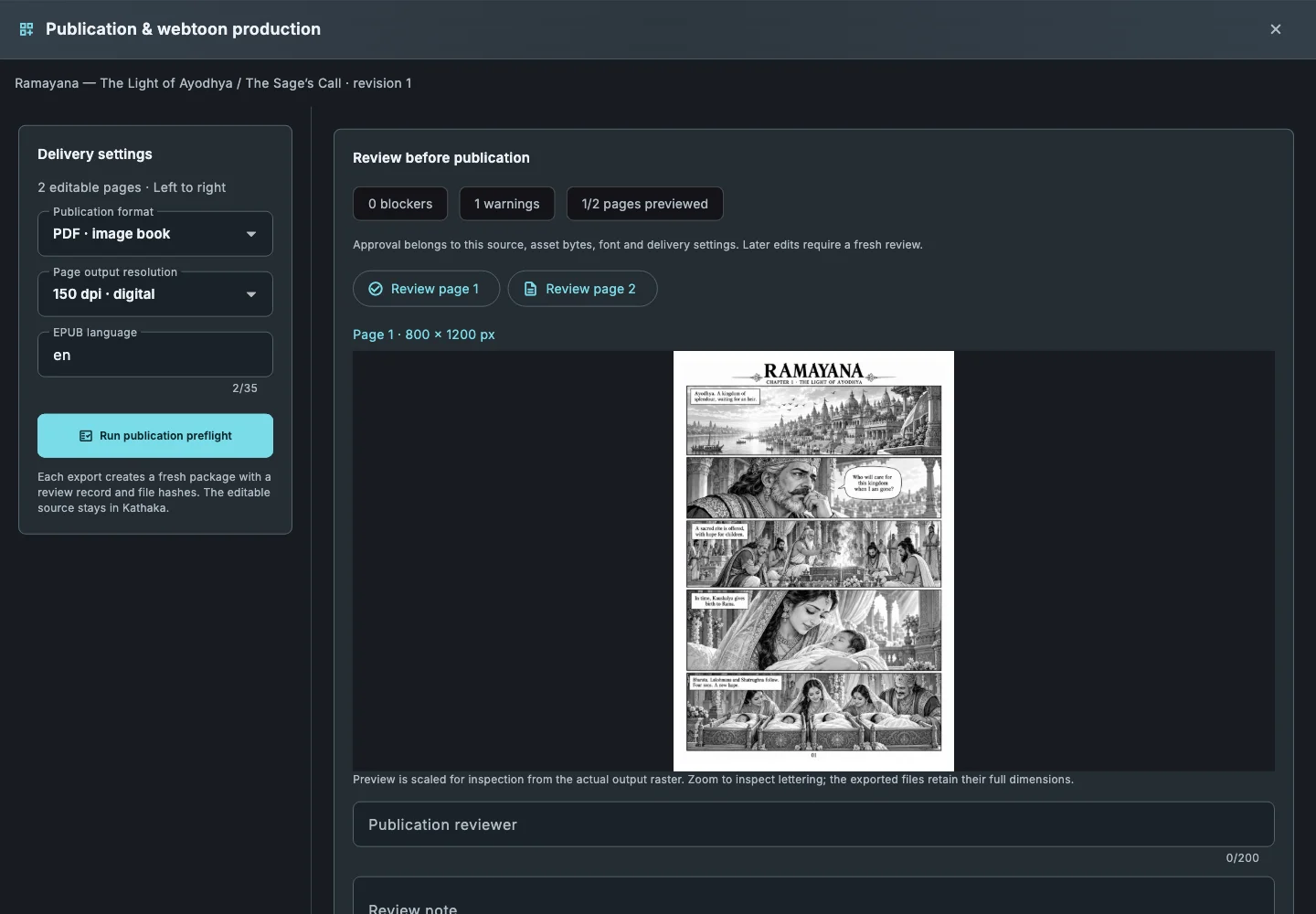
Export finds the gutters and cuts the strip there, at the slice height you set. Review the cut points and move any that land on art.
Every platform format
Webtoon slices, PNG pages and CBZ, from the same book you can also print.
How it works
- Choose File › New book and the webtoon page size.
- Lay out panels down the strip and letter them.
- Review the slice boundaries the app finds and move any that cut through art.
- Export webtoon slices, or CBZ for reader apps.
Common questions
How wide are webtoon slices?+
Slices are 800 pixels wide, a common platform width, and up to 1280 pixels tall by default; set the height your platform asks for.
Can a webtoon also become a print book?+
Yes. Compose print pages from the same panels and export them separately.
Does colour work in webtoons?+
Yes. Paint with the paint engine and export in colour.
Related guides
Download Kathaka Studio
Sign in online at startup. Private drawing continues if your connection drops.